Mid-century Modern Living Room AI

Upload one photo. The AI renders a mid-century modern direction over your actual room — teak, walnut, organic curves, tapered legs — in under a minute.

Built for real room photos

Start with a photo of the space you actually want to redesign.

Explore room styles

Compare directions from minimal and modern to Japandi and bohemian.

See a direction before you commit

Use a visual concept to clarify your taste before buying or renovating.

Try a sample room
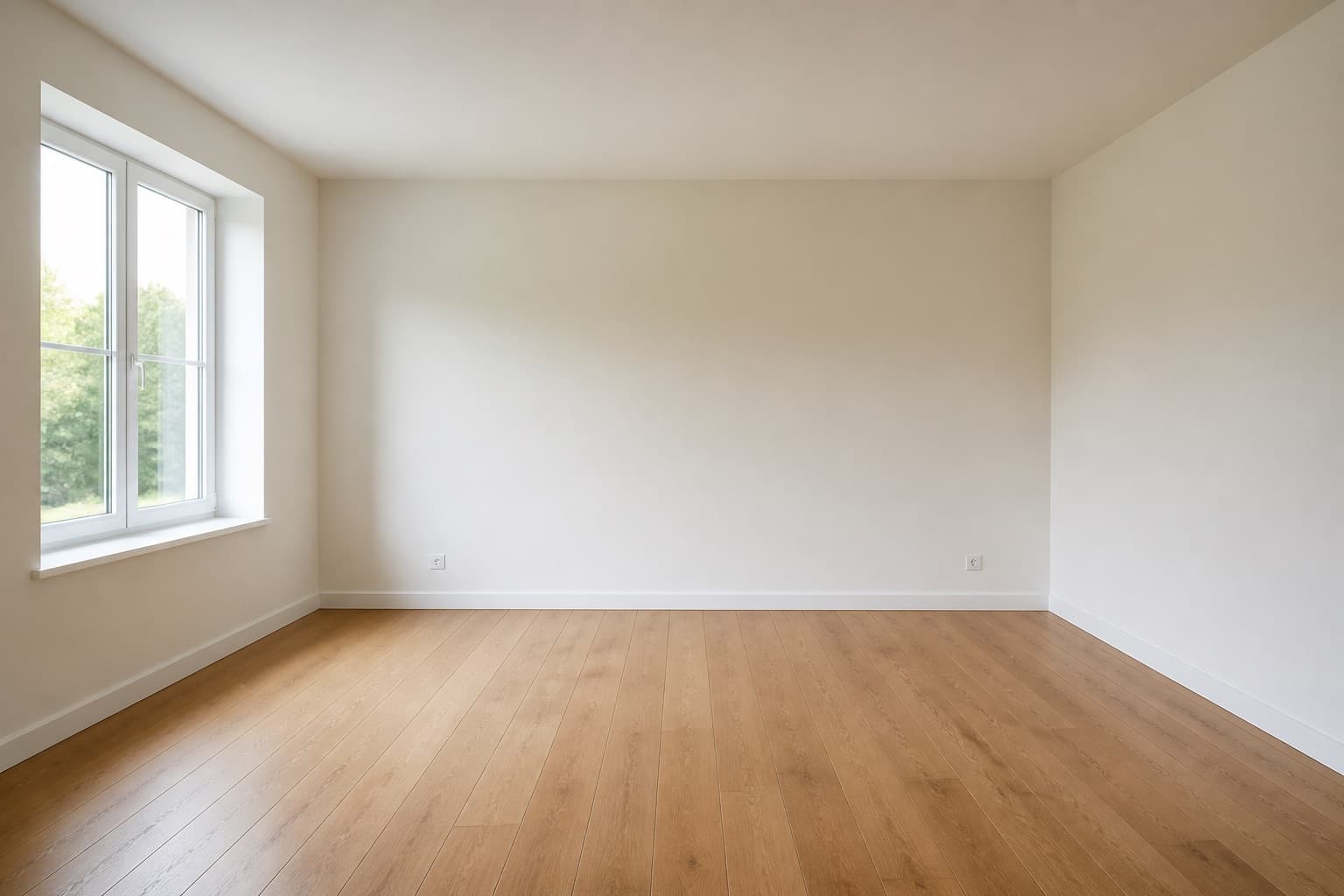
Original room previewBefore
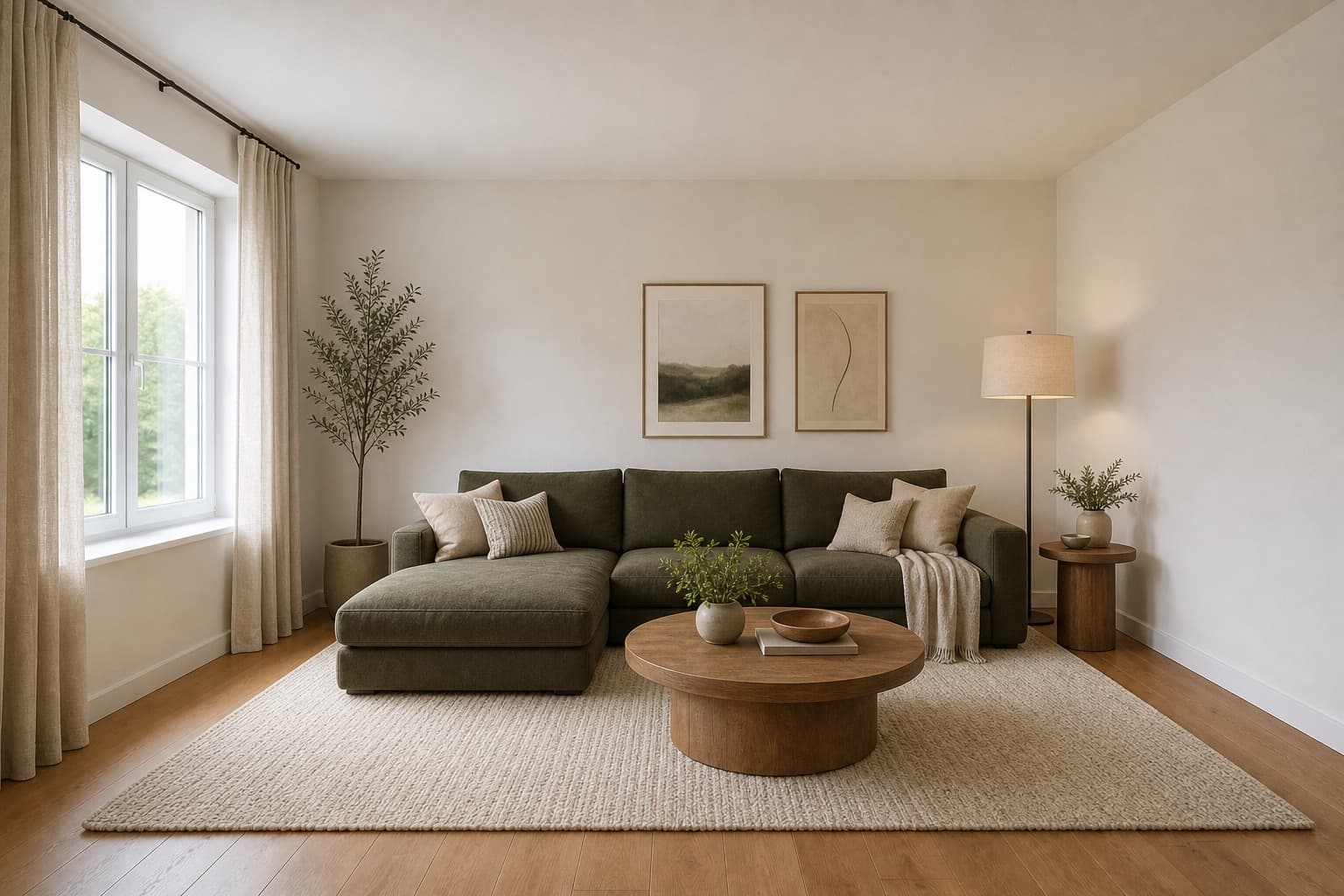
Selected room design conceptAfter

Made for homeowners, renters and design enthusiasts

Homepage previews stay on this device JPG, PNG and WebP supported Works on any device

Mid-century Modern Living Room AI

Mid-century Modern Living Room AI

Mid-century modern is the direction that refuses to retire. Designed between the late 1940s and early 1970s, its vocabulary — teak and walnut frames, tapered legs, organic curves, and a confidence about warm wood — keeps coming back because it solves problems current design has not. A tapered leg lifts a sofa off the floor so a room reads lighter. A curved backrest answers the body better than a straight one ever did. The look is familiar, but the engineering underneath is what makes it last.

Miraliq's mid-century modern living room AI reads the photo you upload and rebuilds the room in that vocabulary. Furniture gains tapered legs and warm wood frames, upholstery moves toward mustard, ochre, and olive, and lighting settles into brass and opal glass. Your walls, windows, and proportions stay where they are; the change is in the furniture's posture and the room's temperature, not in anything structural.

Use it when a room reads as too cool or too generic and you want it to feel like it belongs to someone. Mid-century is the direction that introduces character without descending into pastiche, provided you keep the palette disciplined. It is also the warmest of the restrained directions, which makes it the natural next step when Scandinavian or modern have read too spare for the room.

Before & After

See the redesign, before and after

Original living room before mid-century AI redesign — generic flat-pack furniture, cool grey paletteBefore
Same living room rendered in a mid-century modern direction — teak, walnut, tapered legs, mustard upholsteryAfter

Furniture gained tapered legs and warm wood, palette warmed to ochre and olive — architecture untouched.

Use Cases

When this tool earns its keep

1

Warm a room that reads too cool

Grey rooms age into feeling clinical, and repainting is a real expense you do not want to repeat. The mid-century modern living room AI introduces teak and walnut that warm the eye without repainting a single wall. The warmth comes from the furniture, which means you can test it without committing to the most expensive and least reversible change in the room.

2

Replace flat-pack with character

If your living room is full of anonymous flat-pack furniture, the room reads as temporary even if you have lived in it for years. The AI shows what tapered legs and warm wood frames would do for the same floor plan before you invest in real pieces — which is the question you actually need answered before shopping.

3

Test mustard and ochre safely

Mid-century's signature colors are a commitment in real life — a mustard sofa is hard to return and hard to rehome. The render shows you how mustard upholstery sits against your actual walls and light before you order a meter of it. If the color reads wrong in your room, you have lost nothing but a minute.

AI Design Process

From photo to redesign in four steps

Step 1

Upload a photo

Shoot the living room straight-on from the doorway. The mid-century modern living room AI reads furniture scale, silhouette, and natural light from the photo — no measurements or floor plan required. JPG, PNG, and WebP up to 4MB are supported. Afternoon light produces the most honest read of warm wood.

Step 2

Choose mid-century direction

Select living room and mid-century modern. The AI adds tapered legs, teak and walnut frames, and warms the palette toward ochre and olive over your existing architecture. The room type preserves your layout; the style directs the warmth and posture the furniture takes.

Step 3

Generate the redesign

In under a minute you receive a high-resolution render. Walls and windows stay exactly where they were; furniture gains posture and the palette warms toward mid-century registers. The architecture is untouched — what changes is how much character the room carries.

Step 4

Compare and iterate

Use the before/after slider to judge the warmth. If the room reads too warm, regenerate with modern to cool it down and compare the two directions side by side. One render rarely settles a redesign — generate mid-century and modern back to back and you will know within two minutes which temperature your room wants.

Room Tips

Get the most out of every render

Keep the sofa fully in frame

Mid-century furniture is defined by its silhouette — tapered legs, curved backs, low profiles. Frame the sofa fully so the AI can read and replicate the posture correctly. A sofa cut off at the arms gives the tool incomplete information, and the render will come back with furniture that looks wrong relative to your real walls.

Shoot in afternoon light

Mid-century palettes depend on warm light to read correctly — teak and ochre look dead under cool morning blue. Late afternoon daylight reveals them honestly and the render will be a better predictor of how the room will actually look in the evening, which is when you will be using it most.

Remove glossy modern accessories

Chrome and glass accessories clash with mid-century's matte wood, and the AI will try to reconcile incompatible materials if they are in the photo. Clear them before shooting so the render proposes a coherent material palette rather than a compromise between two eras.

Photograph the seating wall, not the TV

Mid-century is a seating-first vocabulary — the sofa and the coffee table are the composition, not the screen. Frame the wall the sofa sits against so the AI builds the room around the conversation area. A TV-centered photo produces a render that reads as a media room, not a living room.

Supported Styles

Directions the AI can take your room

Modern

Clean lines and balanced forms. A cooler, more neutral partner to mid-century's warmth — useful as a comparison to confirm whether your room wants warmth or restraint, and as a fallback if mid-century reads too saturated.

Japandi

Japanese restraint plus Scandinavian warmth. Lower and quieter than mid-century, with less saturated color and lower furniture. Try it if the mid-century render reads as too warm or too characterful for the way you want to live.

Minimalist

Stripped-back and intentional. The cool counterpoint to mid-century's warm wood — useful if you want to test the opposite extreme and confirm that mid-century is the right call for your room.

Mid-century Modern

Warm woods, organic curves, tapered legs — this page's direction, rooted in the 1950s and 60s. It is the warmest of the restrained directions, which makes it the natural choice when modern or Scandinavian have read too spare.

Bohemian

Layered textiles, natural materials, and expressive color. Shares mid-century's warmth but adds pattern, plant life, and accumulated texture. Useful if mid-century reads too clean and you want to push toward a more collected, lived-in look.

FAQ

mid-century modern living room AI FAQ

Is mid-century modern still in style, or is it a trend?
It is past the point of trend. Mid-century furniture has been continuously produced and reissued for seventy years because its engineering answers real problems — tapered legs lift visually heavy pieces, curved backs fit the spine, and warm wood ages rather than dating. The AI renders it because it stays current rather than chasing novelty. A mid-century sofa bought today will still look right in fifteen years; a trend piece from the same year will not.
Will the render make my room look like a museum?
Not if the palette stays disciplined. The AI mixes mid-century pieces with neutral walls and contemporary lighting so the room reads as lived-in rather than curated. Avoid filling it with too many reissued classics — two or three anchor pieces are enough, and the AI keeps the rest neutral so the character comes from the furniture, not from a complete period set.
Does mid-century work in small living rooms?
Yes — and often better than expected. Tapered legs lift furniture off the floor, which helps small rooms read lighter because the visible floor plane extends under the furniture. The AI will keep the palette controlled so the warmth does not overwhelm a compact space, and the lower profiles suit low ceilings.
What colors does the mid-century render use?
Mustard, ochre, olive, rust, and teal against warm wood and cream walls. The AI uses these as accents on upholstery and art, never as wall-to-wall color, to keep the room livable. If your existing walls are already a strong color, the render will show you whether the mid-century palette sits well beside it or fights it.
Can I mix mid-century with my existing modern furniture?
Yes — that is how most lived-in rooms actually look, and the render handles it naturally. Generate the mid-century render first, then use visualize mode on a second pass to see how your existing pieces sit beside the new direction. The two modes together tell you what to keep and what to replace.
Does the AI preserve my wall colors?
In redesign mode it reinterprets wall treatment toward the mid-century palette — usually warming toward cream. If you want to keep your existing wall color and only change furniture, use visualize mode, which preserves architecture and surfaces more aggressively. Generate one of each if you are undecided and compare the two approaches before you commit.

Keep exploring

Related AI room design tools

See your living room in a mid-century direction

Upload one photo. The AI renders teak, walnut, tapered legs, and warm iconic lighting over your actual room in under a minute. Free to try, no card required for the first render.

Upload & Try Free

MIRALIQ