Compare styles before you commit
Run the AI room designer on the same photo with modern, Japandi, and minimalist directions. Put the renders side by side and pick the one that actually fits your life.
Upload one photo. Let the AI room designer propose a complete new direction for any space — palette, furniture, materials, and mood — in under a minute.
Start with a photo of the space you actually want to redesign.
Compare directions from minimal and modern to Japandi and bohemian.
Use a visual concept to clarify your taste before buying or renovating.
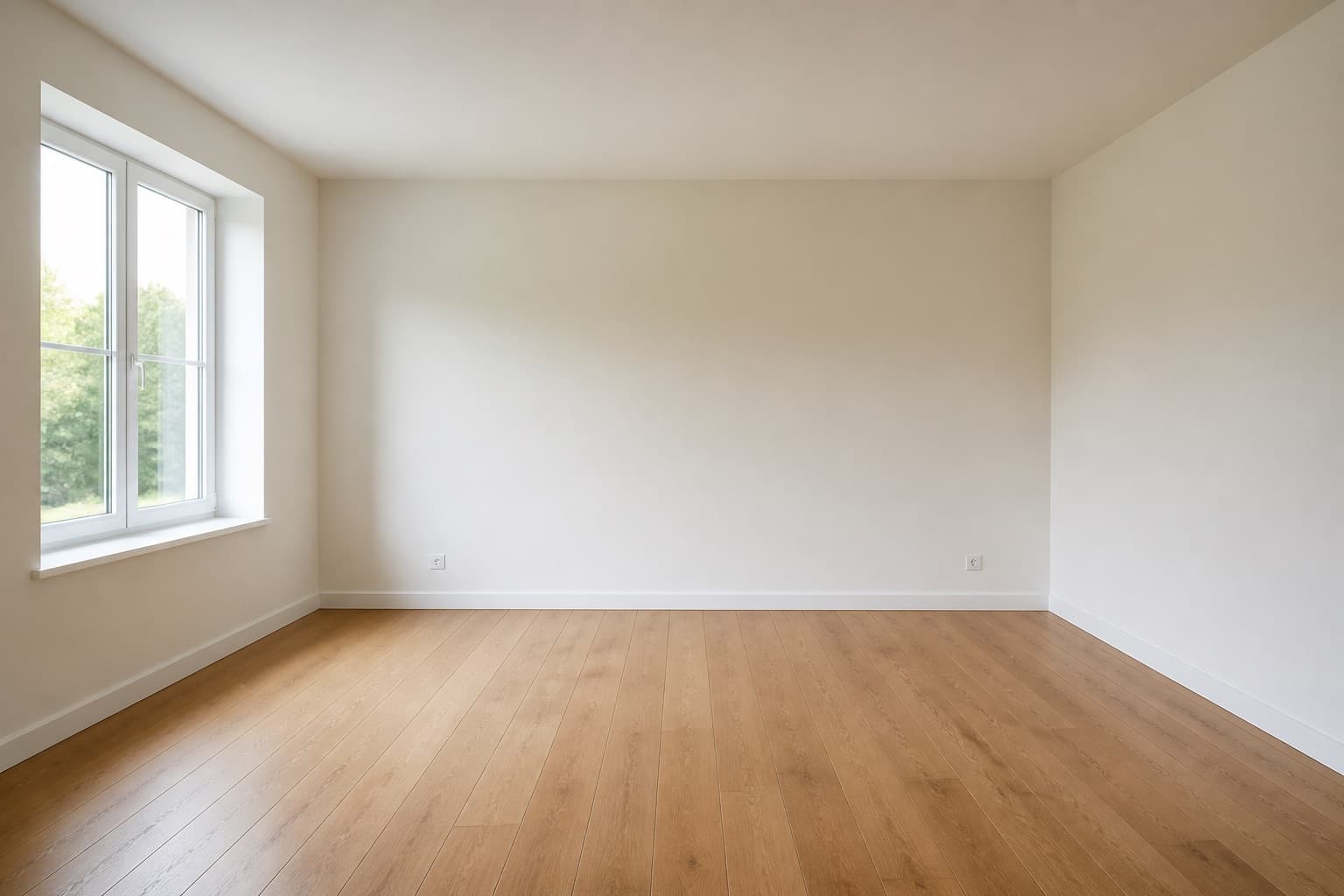 Before
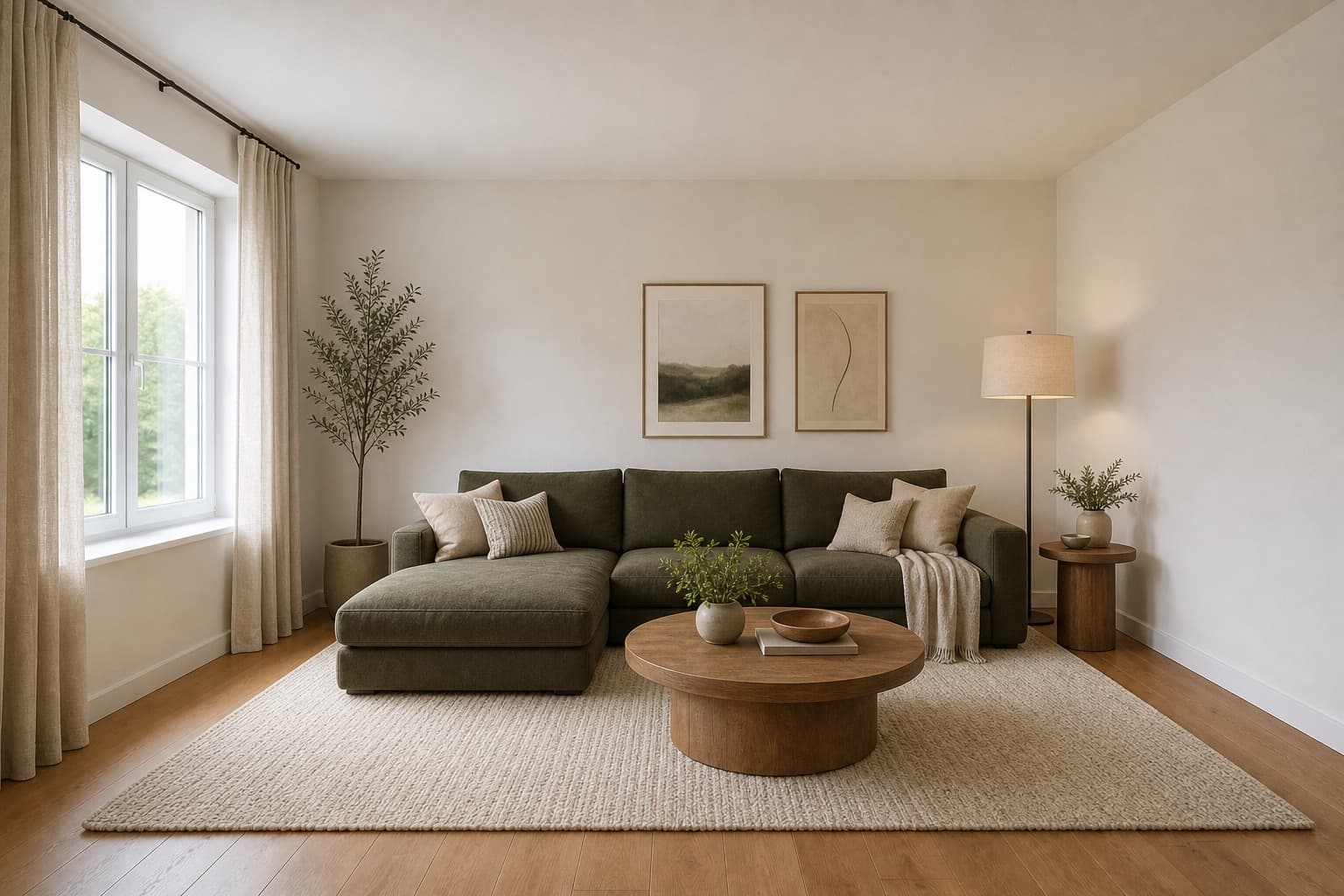 After
AfterMade for homeowners, renters and design enthusiasts
AI Room Designer
An AI room designer takes the guesswork out of a redesign. Instead of collecting Pinterest boards and hoping they fit your space, you start from a photo of your actual room and let the AI propose a fresh, complete direction that keeps your walls, windows, and proportions as the reference.
Miraliq's AI room designer is built for the early stage of any project — the moment when you know something should change, but you haven't decided what. Use it to compare styles before buying furniture, brief an interior designer, or simply see whether a calmer palette would suit your living room.
Every render below was generated from a single photo. No measurements, no design software, no commitment — just a clearer picture of where your room could go next.
Before & After
BeforeAfterThe AI room designer kept the architectural shell and reimagined everything else — furniture, palette, and lighting — in a single render.
Use Cases
Run the AI room designer on the same photo with modern, Japandi, and minimalist directions. Put the renders side by side and pick the one that actually fits your life.
Hand your designer a visual starting point instead of abstract references. The AI room designer gives them something concrete to react to in the first meeting.
Considering new flooring or a different wall color? See the AI room designer's interpretation first — it's far cheaper than a sample that doesn't work.
When the bones of the room are fine but the contents feel tired, the AI room designer proposes a new furniture hierarchy without changing the architecture.
AI Design Process
Take a straight-on photo of the room from the doorway. Natural daylight works best. JPG, PNG, and WebP up to 4MB are supported.
Pick a room type and a style — modern, Japandi, minimalist, industrial, or Scandinavian. The AI room designer reads your photo and applies the direction to your actual space.
In under a minute, you'll receive a high-resolution render. Architecture stays; everything else is reinterpreted in your chosen direction.
Use the before/after slider to see the change. Not quite right? Tighten the palette or pick a different style and generate again.
Room Tips
A straight-on photo from the doorway gives the AI room designer the cleanest geometry to work with. Avoid wide-angle distortion.
Natural daylight reveals true colors. Lamp light casts warm shadows that confuse the AI room designer's palette reading.
The AI room designer works with whatever is in the photo. A cluttered room produces a cluttered render. Spend two minutes tidying before you shoot.
The AI room designer composes around the main wall in your photo. Decide which wall that is before you shoot.
One render rarely settles a redesign. Run the AI room designer on the same photo with three different styles and compare.
Supported Styles
Clean lines, balanced forms, restrained details. The AI room designer default for a reason.
Japanese restraint fused with Scandinavian warmth. Low furniture, paper light, oat and oak palette.
Calm, uncluttered, intentional. The AI room designer strips a room back to its essential pieces.
Light woods, soft neutrals, practical comfort. Built for long winters and shared spaces.
Raw materials, dark accents, functional character. Works especially well in loft-style rooms.
Layered textiles, natural materials, expressive color. For rooms that should feel lived-in and warm.
FAQ
Keep exploring
Upload a photo and let the AI room designer propose a new direction — free, no card required.
Upload & Try FreeMIRALIQ