Compare cabinet finishes
Run kitchen interior design AI on the same photo with modern and Scandinavian directions. See whether light oak or painted white cabinets suit your space before ordering samples.
Upload one photo of your kitchen and let kitchen interior design AI propose new cabinetry, countertops, palette, and lighting — in under a minute.
Start with a photo of the space you actually want to redesign.
Compare directions from minimal and modern to Japandi and bohemian.
Use a visual concept to clarify your taste before buying or renovating.
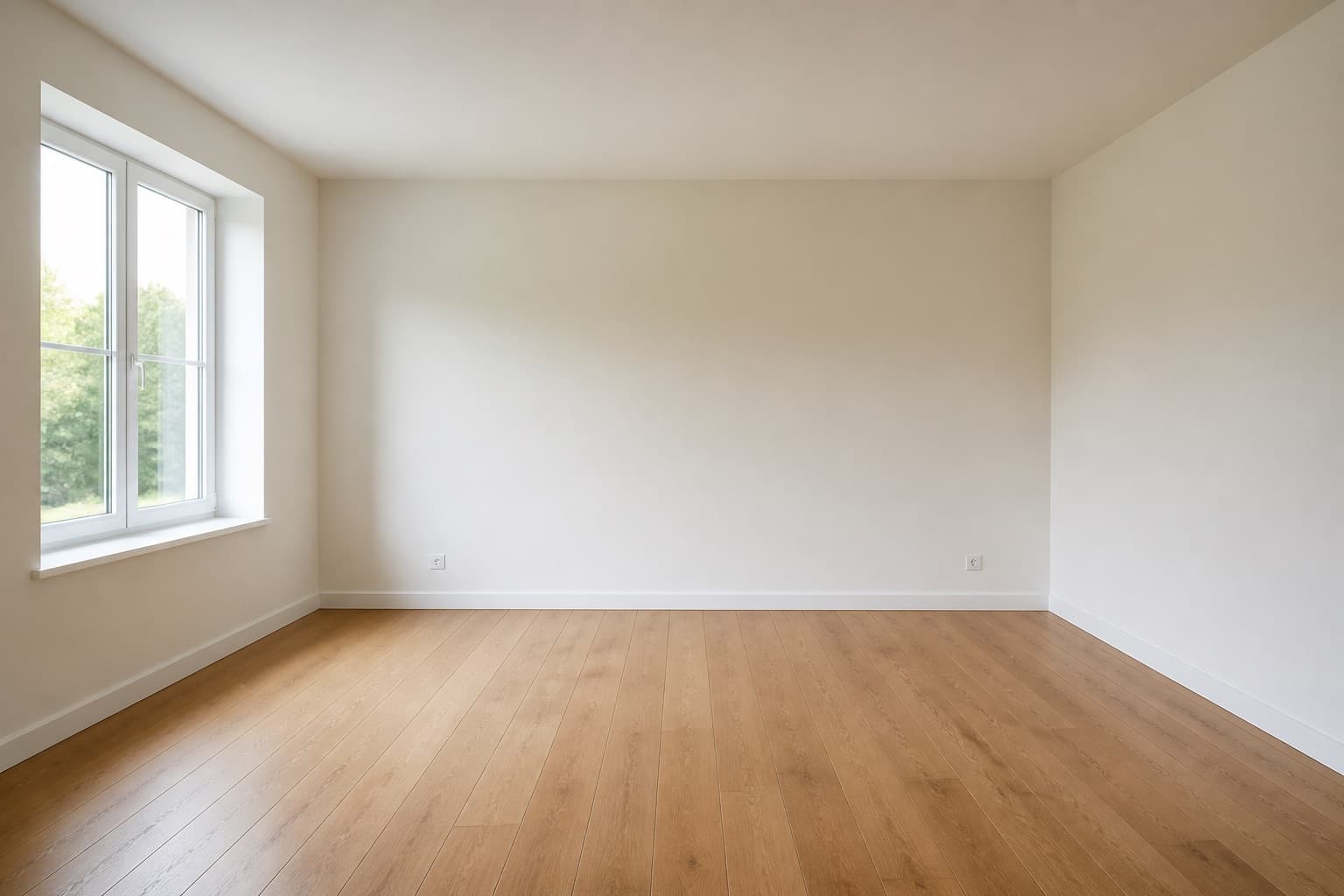 Before
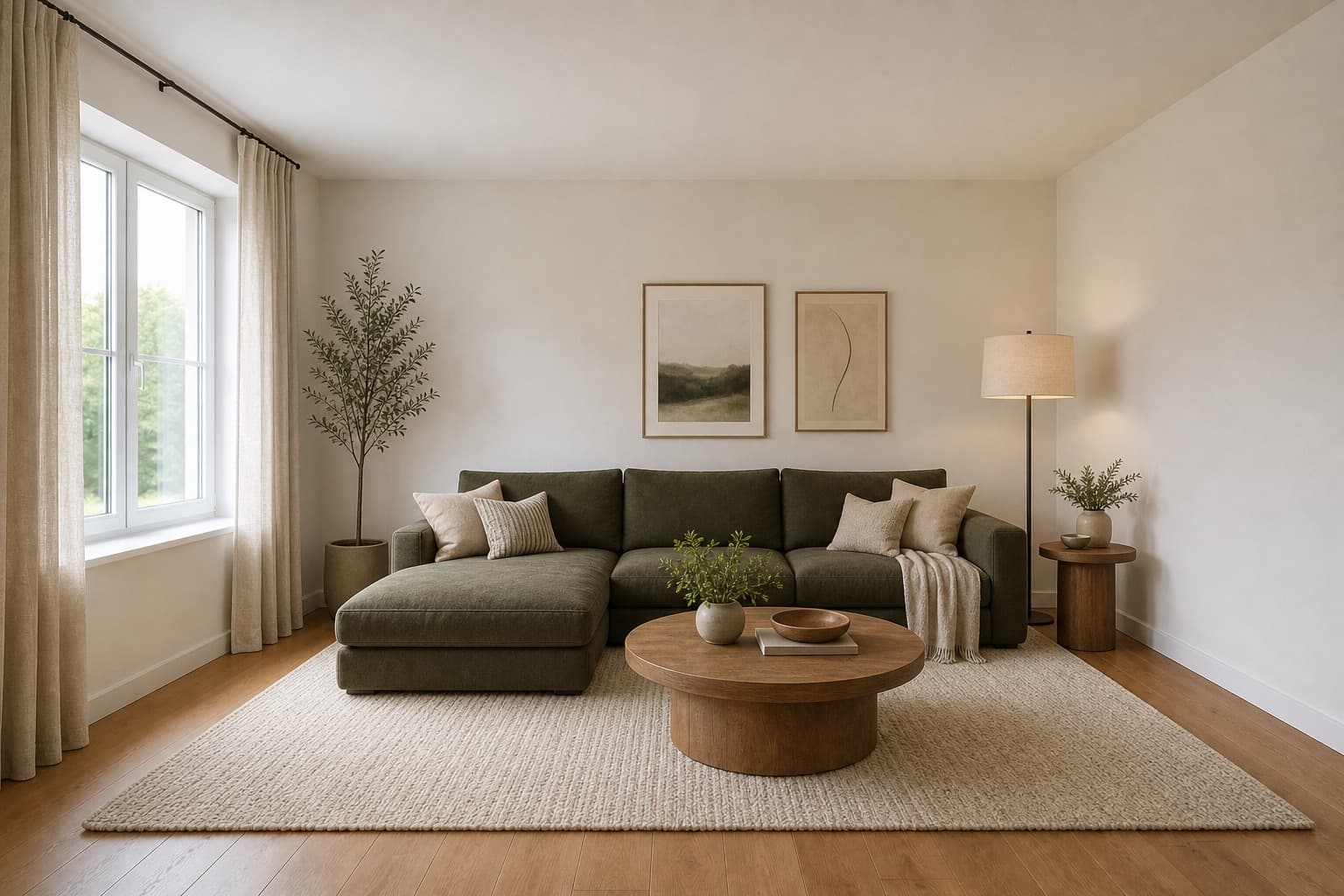 After
AfterMade for homeowners, renters and design enthusiasts
Kitchen · AI
Kitchens are the most expensive room in any home to get wrong. A misjudged cabinet finish, a countertop that clashes with the floor, a layout that fights the workflow — kitchen interior design AI exists to catch these problems before they become invoices.
Miraliq's kitchen interior design AI starts from a photo of your actual kitchen. It preserves the architecture — walls, windows, openings — and reimagines the cabinetry, countertops, splashback, palette, and lighting in any direction you choose.
It's not a catalog of other people's kitchens. It's your kitchen, redesigned — and the difference matters when you're trying to decide which samples to order.
Before & After
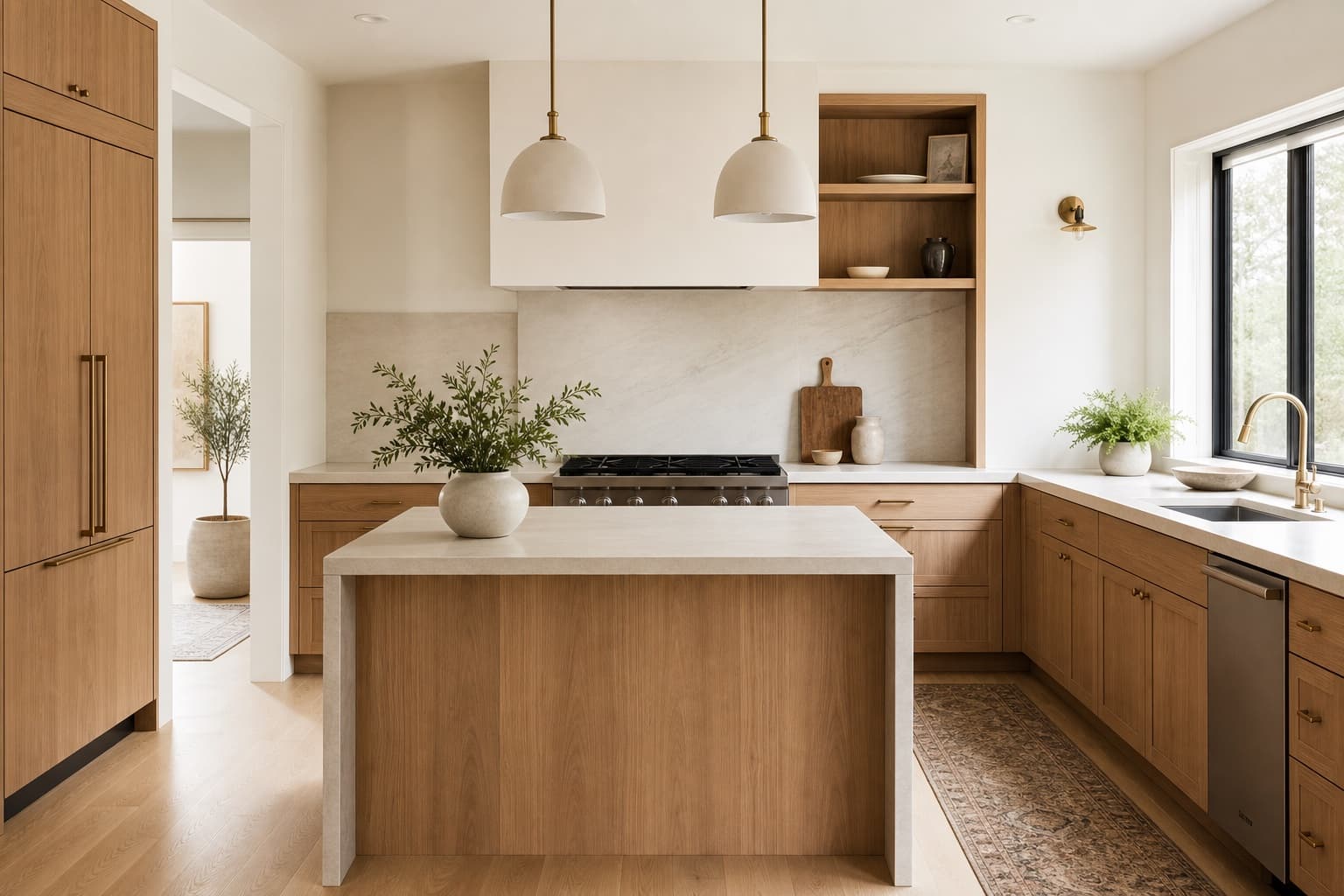 BeforeAfter
Kitchen interior design AI kept the layout and reimagined the cabinetry, counters, and palette in a single render.
Use Cases
Run kitchen interior design AI on the same photo with modern and Scandinavian directions. See whether light oak or painted white cabinets suit your space before ordering samples.
Not sure whether quartz, marble, or a warmer stone is right? Kitchen interior design AI shows you each option against your actual cabinets and floor.
Hand the contractor a render instead of a verbal description. Kitchen interior design AI makes the first site visit sharper.
If you can't replace cabinets, kitchen interior design AI can show what paint, hardware, and splashback changes would achieve within a rental budget.
AI Design Process
Stand back far enough to capture the main run of cabinets. Kitchen interior design AI reads the layout from the geometry in your photo.
Pick from modern, minimalist, Scandinavian, farmhouse, industrial, and more. Kitchen interior design AI applies the direction to your specific kitchen.
In under a minute, you'll receive a high-resolution render of your kitchen, redesigned. Architecture and layout stay in place.
Use the before/after slider to evaluate the change. Generate a second direction if the first doesn't quite land.
Room Tips
Kitchen interior design AI composes around the main run of cabinets. Make sure that wall is visible and unobstructed in your photo.
Kitchen lighting is often warm and recessed, which distorts color reading. Daylight gives kitchen interior design AI accurate cabinet and counter colors.
A cluttered counter produces a cluttered render. Spend a minute clearing the counters before you shoot.
Kitchens reward consistency. Run kitchen interior design AI with one direction first — mixing styles in a kitchen rarely works.
More than two kitchen directions becomes decision fatigue. Pick the better of two and refine from there.
Supported Styles
Flat-panel cabinets, integrated handles, neutral palette. The kitchen interior design AI default for a reason.
Light oak cabinets, white counters, soft warm lighting. Especially suited to small or north-facing kitchens.
Handleless cabinets, single material, single color. Kitchen interior design AI strips a kitchen back to its essentials.
Shaker cabinets, warm wood, apron sink. For kitchens that should feel like the heart of the home.
Dark metal, open shelving, raw materials. Works best in loft-style or open-plan kitchens.
Quiet, low-contrast, natural materials. Kitchen interior design AI's most-requested direction for calm, considered kitchens.
FAQ
Keep exploring
Upload a photo and let kitchen interior design AI propose a new direction — free, no card required.
Upload & Try FreeMIRALIQ