Modern Living Room AI Design

Upload one photo. The AI renders a modern direction over your actual room — clean lines, balanced forms, restrained palette — in under a minute.

Built for real room photos

Start with a photo of the space you actually want to redesign.

Explore room styles

Compare directions from minimal and modern to Japandi and bohemian.

See a direction before you commit

Use a visual concept to clarify your taste before buying or renovating.

Try a sample room
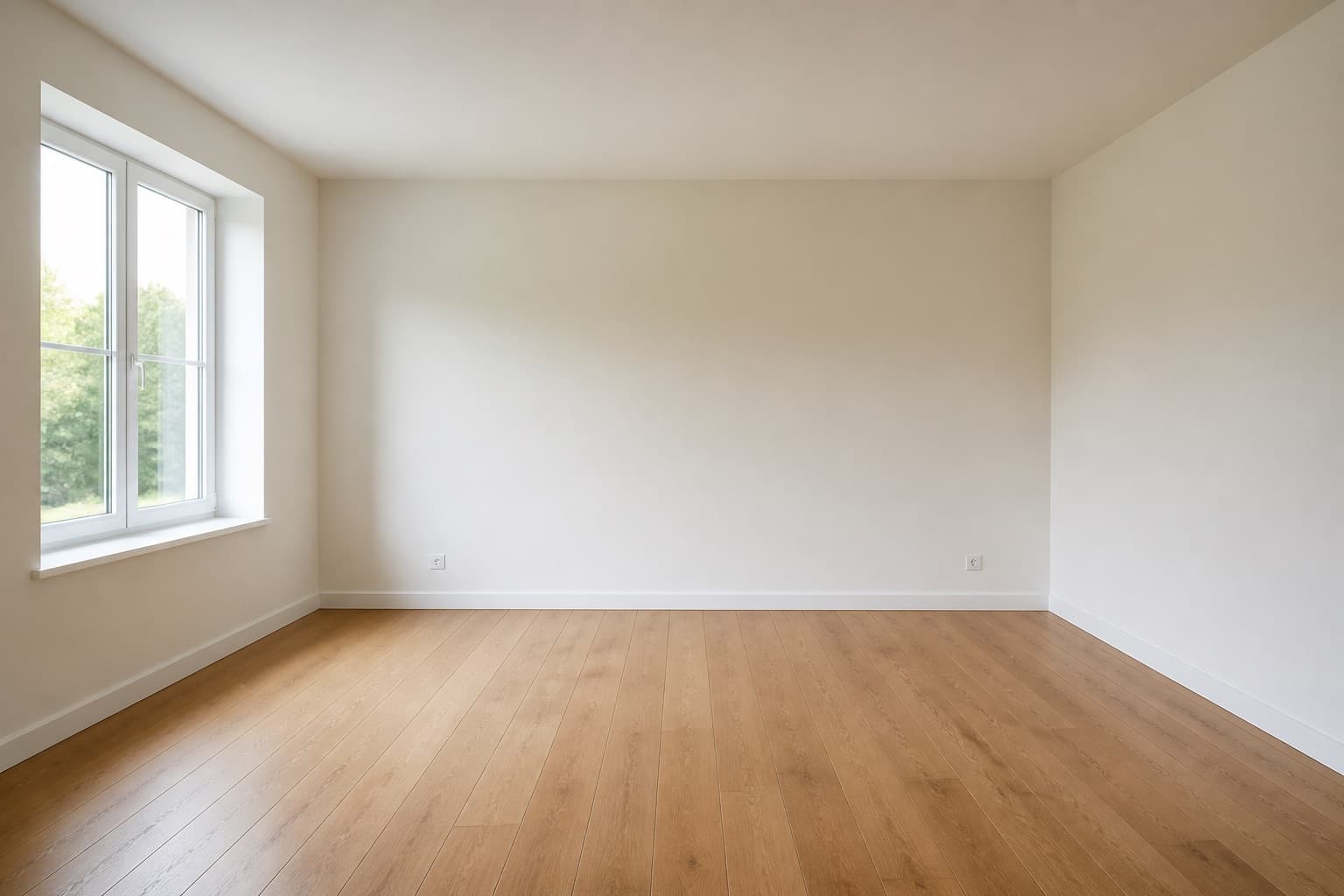
Original room previewBefore
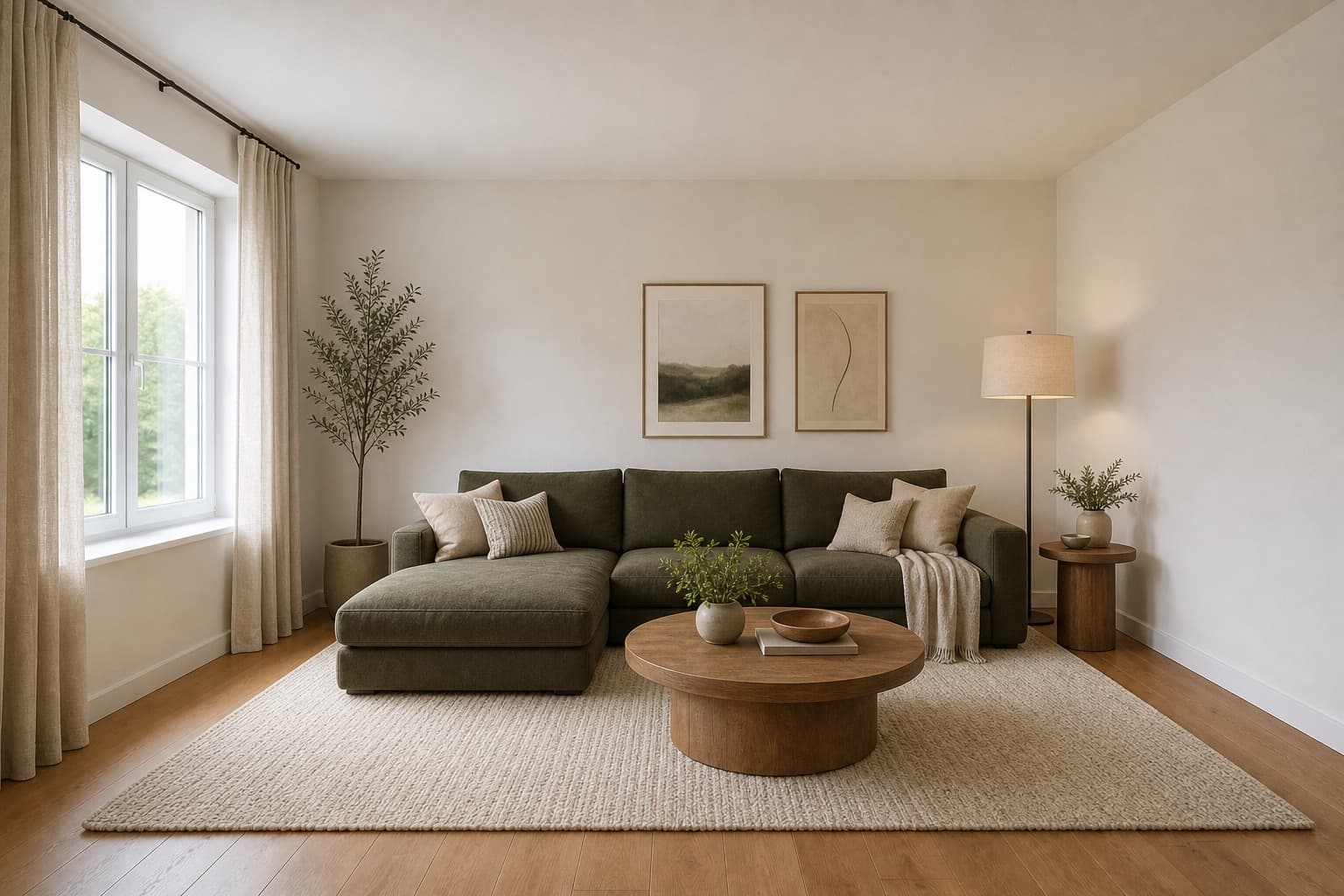
Selected room design conceptAfter

Made for homeowners, renters and design enthusiasts

Homepage previews stay on this device JPG, PNG and WebP supported Works on any device

Modern Living Room AI Design

Modern Living Room AI Design

A modern living room is the direction people reach for when they want the room to feel current without committing to a trend. Clean lines do the structural work, balanced proportions carry the weight, and the palette stays restrained enough that the room still reads as calm five years from now. It is the safe default that does not feel like a compromise, which is harder to pull off than it sounds.

Miraliq's modern living room AI design tool reads the photo you upload and rebuilds the room along those lines. Furniture tightens toward honest geometry, materials move toward matte stone, oak, and brushed metal, and the lighting shifts to a layered scheme that does not depend on a single ceiling fixture. Your walls, windows, and proportions remain the reference point throughout — the architecture is the scaffold the modern direction is built on.

Use it when you know the room needs to move forward but you are not sure how far. Modern is the direction that lets you see the floor beneath the clutter and the architecture beneath the accumulated taste of previous years. It is also the safest starting point if you plan to add personality later, because a modern base absorbs art, textiles, and books without fighting them.

Before & After

See the redesign, before and after

Original living room before modern AI redesign — dated furniture, warm yellow wallsBefore
Same living room rendered in a modern direction — clean lines, matte stone, balanced formsAfter

Lines tightened, palette neutralized, lighting layered — the architecture untouched underneath.

Use Cases

When this tool earns its keep

1

Update a dated living room safely

Warm yellow walls and biscuit-colored carpet age a room fast, and replacing them is a real investment you do not want to get wrong. The modern living room AI design tool neutralizes the palette and shows you what clean lines would do for the same space before you commit to a contractor. The render is the cheapest way to find out whether the update is worth the spend.

2

Set a baseline before styling

If you plan to layer personality later — art, textiles, books, travel finds — start from a modern base. The AI render gives you a neutral scaffold that those additions can sit on without fighting each other. A busy base makes every later addition feel like a clash; a modern base makes them feel curated.

3

Compare modern against warmer options

Generate the same room in modern, then in Scandinavian or mid-century. The comparison tells you whether your space wants restraint or warmth more — some rooms look better sharper, others look better softer, and you cannot tell which is yours from a mood board alone. Two renders side by side settle the question in a minute.

AI Design Process

From photo to redesign in four steps

Step 1

Upload a photo

Shoot the living room straight-on from the doorway in daylight. The modern living room AI design tool reads geometry, proportions, and natural light from the photo — no measurements or floor plan required. JPG, PNG, and WebP up to 4MB are supported. Shoot at eye level for the most accurate proportion reading.

Step 2

Choose modern direction

Select living room and modern. The AI tightens lines toward honest geometry, neutralizes the palette toward greige and oak, and layers lighting over your existing architecture. The room type anchors it to your space; the style directs the mood it builds there.

Step 3

Generate the redesign

In under a minute you receive a high-resolution render. Walls and windows stay exactly where they were; furniture, palette, and lighting move toward a contemporary register. The architecture is preserved — what changes is how current and how structured the room reads.

Step 4

Compare and iterate

Use the before/after slider to judge the change. If the room reads too sharp, regenerate with mid-century modern to add warmth and compare the two. One render rarely settles a redesign — two or three together tell you whether modern is right for your room or whether it needs more character than modern alone provides.

Room Tips

Get the most out of every render

Frame the longest wall fully

Modern design composes against a primary wall, and the AI needs to see its full length to read the room's true proportions. If the longest wall is cut off in the frame, the render will misjudge furniture scale and the composition will read as unbalanced. Step back far enough to get the whole wall in.

Photograph at eye level, seated

Modern living rooms are composed for a seated viewer — the furniture heights, the art heights, the lighting all assume someone sitting down. Shoot from seated eye height, not standing, so the AI builds furniture at the right visual horizon. A standing shot makes everything read as too low in the render.

Remove patterned throws and rugs

Bold patterns confuse the AI's palette reading for a modern direction, which depends on restraint and clean planes. Strip the room to solids before shooting — patterned throws, rugs, and cushions all introduce color the AI will try to preserve, working against the neutralization you want.

Keep the ceiling visible

Modern lighting is layered from the ceiling down — pendants, recessed fixtures, uplighting all live there. Make sure the ceiling is in frame so the AI can propose a layered lighting scheme rather than defaulting to a single floor lamp. A photo that cuts off the ceiling gives the tool less to work with.

Supported Styles

Directions the AI can take your room

Modern

Clean lines, balanced forms, restrained details — this page's direction and the safe contemporary default. It keeps enough warmth through matte oak and brushed metal to stay livable while reading as current, which is why it is the default most designers reach for.

Japandi

Japanese restraint plus Scandinavian warmth. Lower furniture, oat and oak palette, paper light. Quieter than modern and lower — try it if the modern render reads as too tall or too structured for the way you live.

Minimalist

Stripped-back and intentional. Sharper than modern — less material variety, more contrast, more hidden storage. Try it if the modern render still reads as too busy or too warm, and you want to push further toward pure planes.

Mid-century Modern

Warm woods and organic curves rooted in the 1950s and 60s. A warmer, more characterful partner to straight modern — useful when the modern render reads too cool and you want to add teak, tapered legs, and ochre without abandoning clean lines.

Bohemian

Layered textiles, natural materials, and expressive color — the opposite of modern restraint. Rarely the right answer for a full modern room, but useful as a comparison to confirm that modern is the calmer choice for your space.

FAQ

modern living room AI design FAQ

Is modern the same as contemporary in interior design?
They overlap but are not identical. Contemporary means whatever is current right now; modern refers to a design language rooted in early-to-mid 20th-century functionalism — clean lines, honest materials, restrained ornament. The modern living room AI design tool leans toward the latter so the result ages well rather than chasing the season. A truly contemporary room might include trends that date within a year; a modern room is built to still look right in ten.
Will the modern render make my room feel cold?
Not necessarily. The AI balances restraint with warmth — matte oak, brushed metal, and layered warm lighting keep the room from going clinical. If the result still reads cool for your taste, regenerate with mid-century modern to add warmth, or with Scandinavian to add pale wood. The comparison between two or three renders is more useful than trusting a single one.
Does modern work on small living rooms?
Yes. Clean lines and a restrained palette are exactly what small rooms need — visual noise is what makes them feel cramped, and modern design removes it by default. The AI keeps furniture honest and surfaces calm, which helps compact spaces read larger. Avoid bulky furniture in the real room afterward and the effect compounds.
Can I keep my existing TV unit in the render?
The redesign mode reinterprets furniture, so the TV unit will change visually. If you want to keep it, use visualize mode — it preserves existing furniture more aggressively and only shifts palette and lighting. Generate one of each if you are undecided: redesign shows the full modern direction, visualize shows what is achievable without replacing anything you already own.
What materials does the modern render favor?
Matte oak, brushed or blackened metal, natural stone, and matte plaster. The AI avoids high-gloss lacquer and chrome, which read as dated rather than modern. If your existing furniture is high-gloss, the render will show you what matte alternatives would look like in the same position — which is often the single most useful thing the tool can tell you.
How long does a modern living room render take?
Under a minute for a single render. You can generate several directions in the time it takes to make coffee, which matters because one render rarely settles a redesign. Generate modern and mid-century back to back, compare them, and you will know within two minutes which direction your room actually wants.

See your living room in a modern direction

Upload one photo. The AI renders clean lines, balanced forms, and layered lighting over your actual room in under a minute. Free to try, no card required for the first render.

Upload & Try Free

MIRALIQ