We uploaded our living room photo and got three Scandinavian directions back in under two minutes. We picked one, showed it to our contractor, and the final result is shockingly close to the render.
Maya Patel
First-time homeowner, Brooklyn
Upload one photo of your child's room. The AI renders an art deco direction — brass-accented bed with rounded curves, jewel-tone velvet, emerald-and-navy geometric rug, mirrored storage with safety backing — over your actual architecture, in under a minute.
Start with a photo of the space you actually want to redesign.
Compare directions from minimal and modern to Japandi and bohemian.
Use a visual concept to clarify your taste before buying or renovating.
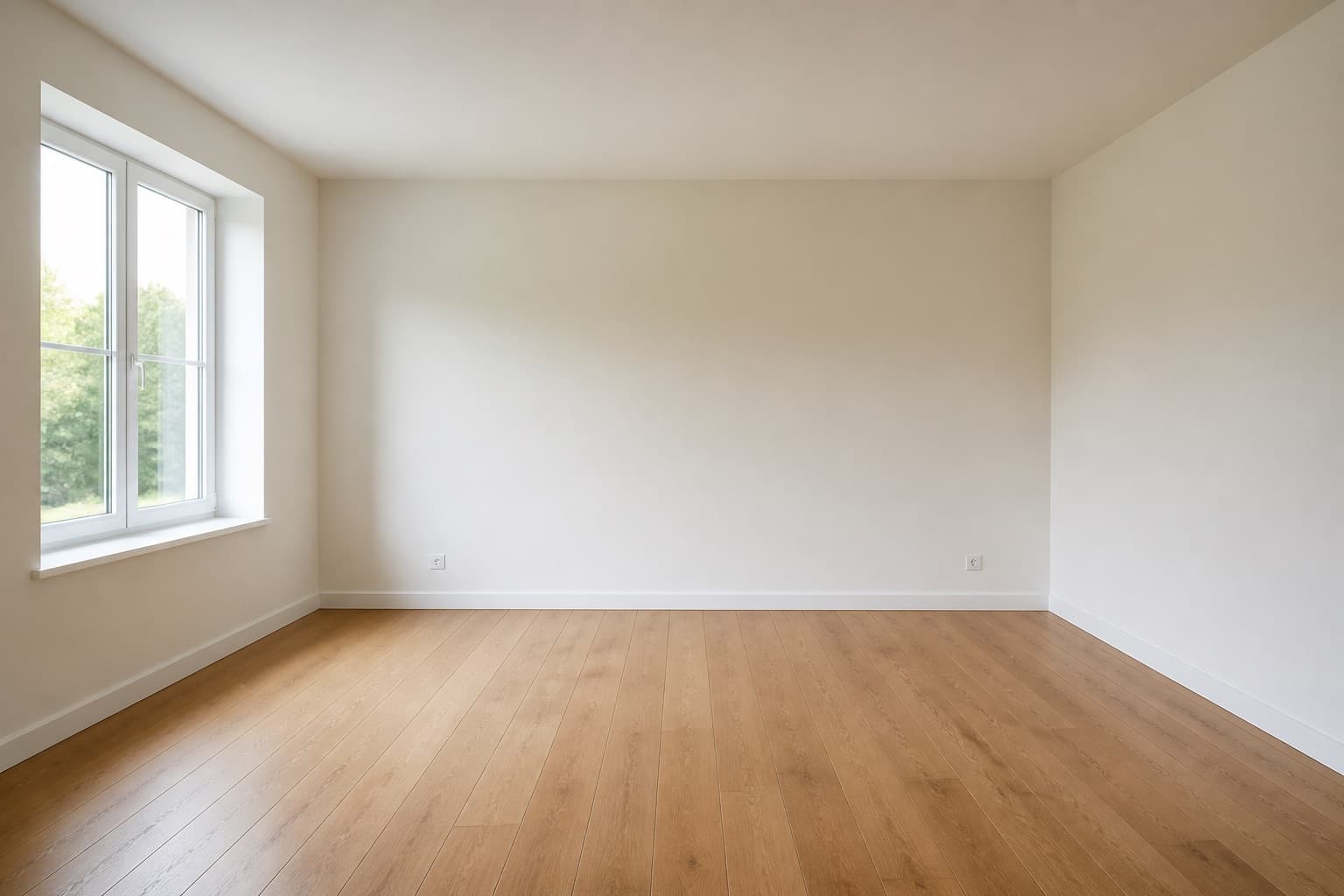 Before
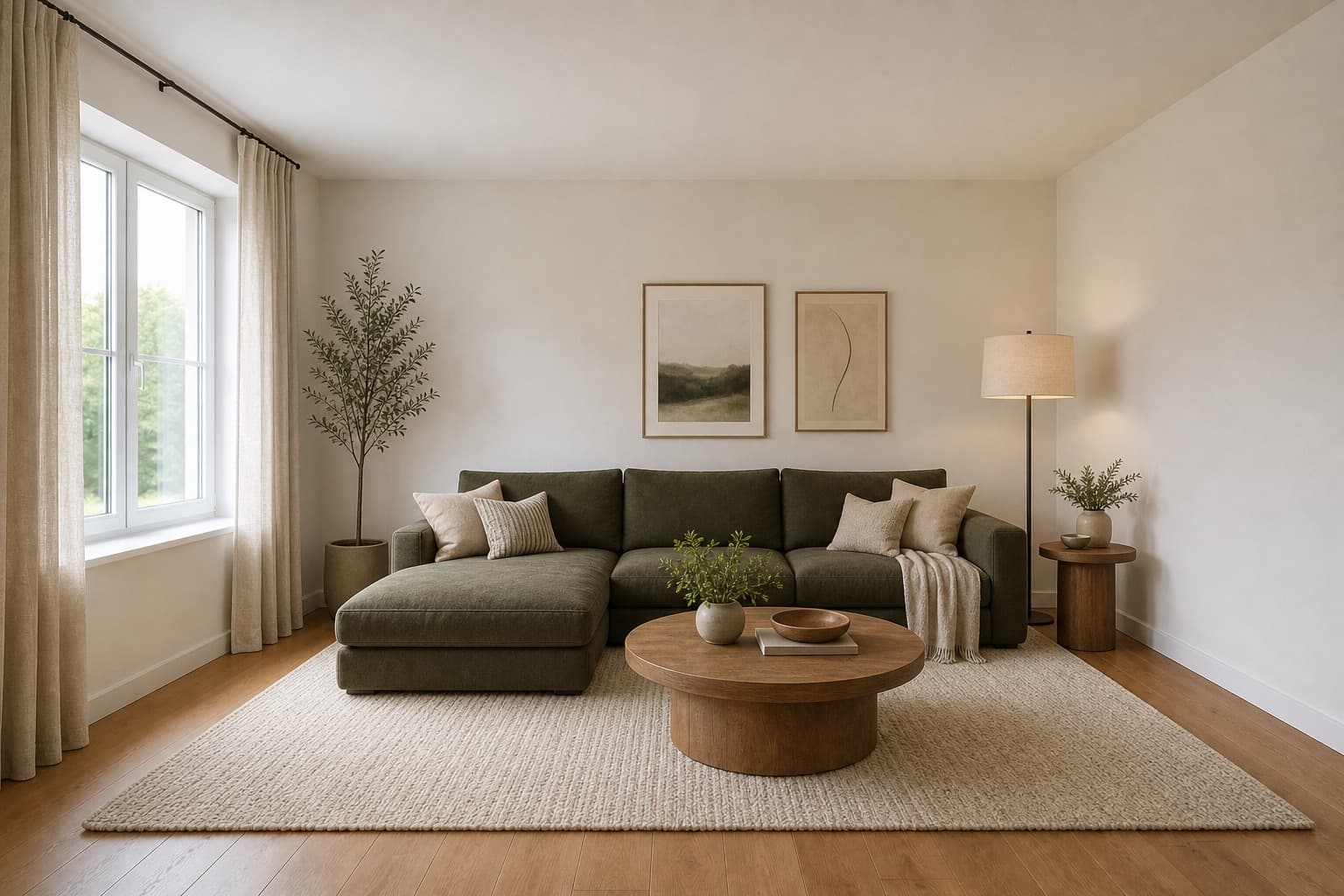 After
AfterMade for homeowners, renters and design enthusiasts
Art Deco Kids Room AI
Art deco in a kids room reads as theatrical rather than precious, which is exactly why children respond to it. The style was built around bold geometry, saturated jewel tones, and a sense of occasion — the same vocabulary that makes a 1920s hotel lobby memorable makes a six-year-old feel like the room belongs to someone important. The risk is not that the room feels too grown-up; the risk is that it feels too brittle, with sharp brass corners and mirrored surfaces that a small body will test against its own shins. The discipline is to keep the geometry and the jewel tones, and round every edge the original deco would have left sharp.
Miraliq's art deco kids room AI reads the photo you upload and rebuilds the room in that direction — a brass-accented bed frame with rounded curves, velvet accent cushions in jewel tones, a geometric patterned rug in emerald and navy, a stepped chrome nightlight, mirrored storage with safety backing, and bold curved furniture with child-safe edges. Wall geometry, window positions, and ceiling height stay exactly where they are. The AI adapts the deco vocabulary to a child's room: the brass stays, but the corners round; the mirrors stay, but they sit on safety-backed panels; the geometry stays, but the proportions soften to fit a smaller occupant.
The render is most useful before you commit to a bed frame, because a deco bed is the room's loudest single object and the hardest to swap later. The wrong brass finish — too polished, too antique — will fight every other piece you bring in, and the wrong curve profile will read as 1970s rather than 1920s. A render of your own room tells you whether the direction actually fits the light, the proportions, and the way your child actually uses the space, before the bed arrives and you discover the room has turned into a hotel suite that nobody can relax in.
Before & After
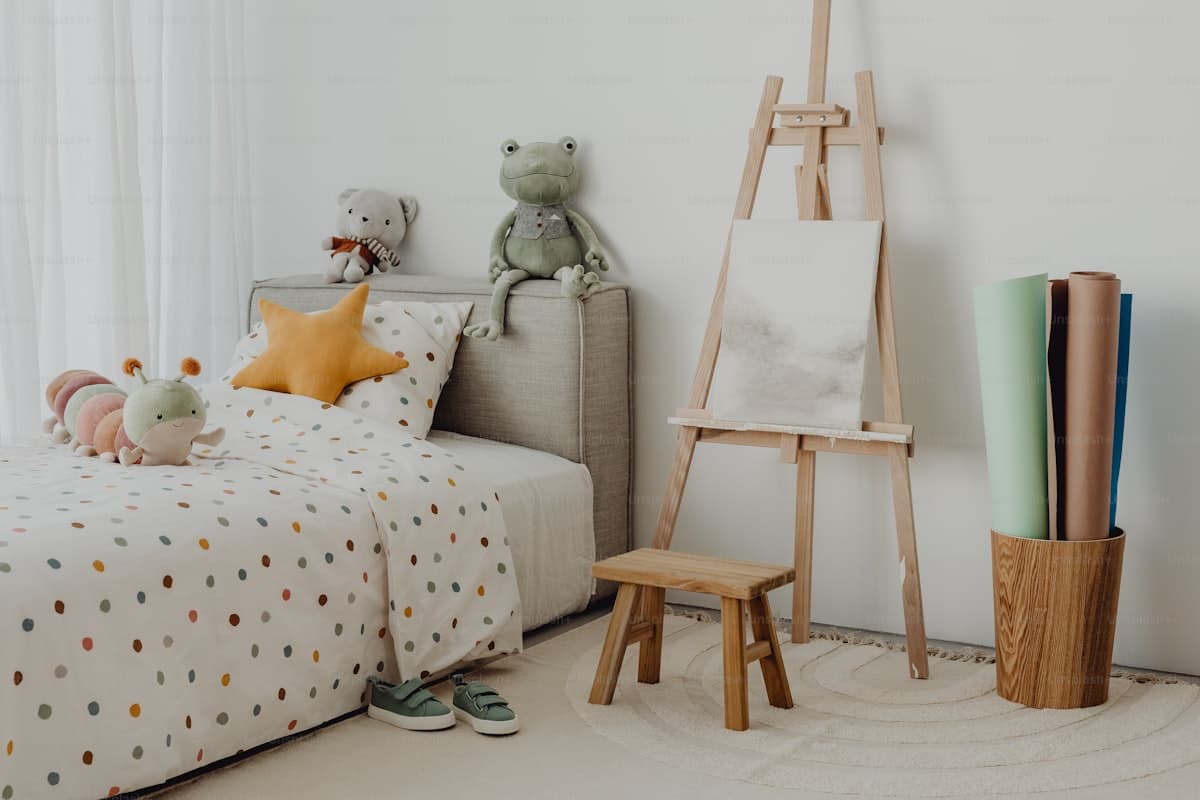 Before
 After
AfterArchitecture preserved. Bed, rug, palette, and lighting rebuilt in an art deco direction with child-safe edges, in a single render.
Try it now
Upload a photo and let the AI redesign it in seconds. No sign-up needed to preview.
Loved by homeowners
50K+
Rooms redesigned
180K+
Designs generated
4.9/5
Average rating
90s
Average generation time
We uploaded our living room photo and got three Scandinavian directions back in under two minutes. We picked one, showed it to our contractor, and the final result is shockingly close to the render.
Maya Patel
First-time homeowner, Brooklyn
I use this for every studio project. The Mid-century direction is genuinely well-researched — it nails the walnut + ochre + brass palette without me having to prompt for it.
Daniel Reyes
Interior design student, Chicago
Landlord won't let me paint. The refresh mode showed me how rearranging furniture, swapping rugs, and adding plants could transform the space without touching the walls. Genius.
Yuki Tanaka
Renter, Tokyo
Rated 4.9/5 by homeowners and design enthusiasts
Use Cases
A brass-accented bed is the centerpiece of an art deco kids room, and its finish decides everything else — whether the rug reads emerald or muddy, whether the velvet cushions read jewel or dusty. The art deco kids room AI renders the bed at realistic proportions over your actual room so you can see whether the brass catches your particular light or flattens under it, before the bed is delivered and you discover the room has turned cold rather than warm.
An emerald-and-navy geometric rug is the floor anchor of an art deco kids room, and its placement decides whether the room reads balanced or lopsided. The AI renders the rug at realistic proportions under the bed and the seating area, so you can see whether the pattern works with your actual floor area or fights it. A rug that looks generous in a render can read as wall-to-wall carpet in a smaller room, which kills the deco crispness.
Art deco furniture for adults leans on sharp corners, mirrored surfaces, and brass trims — all of which need to be re-engineered for a child. The render gives your carpenter a clear visual of what to soften: which brass edges need rounded caps, which mirrored panels need safety backing, which stepped chrome details need to be recessed out of reach. A picture of the target travels better than a list of modifications, and the conversation starts from what to build rather than what you meant.
AI Design Process
Shoot your child's room straight-on from the doorway in natural daylight. The art deco kids room AI reads walls, windows, and proportions from the photo itself — it does not need measurements or a floor plan. JPG, PNG, and WebP up to 4MB are supported, and a single clean frame is enough to generate from. Clear the floor so the rug can be read against the actual surface, but wall clutter does not matter.
Select kids room as the room type and redesign as the mode. The AI keeps your architecture — wall geometry, window positions, ceiling height — and applies a brass-accented bed frame with rounded curves, jewel-tone velvet cushions, an emerald-and-navy geometric rug, a stepped chrome nightlight, and mirrored storage with safety backing. You are directing the mood and the safety posture, not redrawing the room.
In under a minute you receive a high-resolution render. Walls and windows stay exactly where they were; the bed, rug, palette, and lighting shift toward an art deco mood with child-safe edges throughout. The architecture is the reference, not the casualty — nothing structural changes, and the mirrors the AI adds sit on safety-backed panels.
Use the before/after slider to judge whether the direction fits your child's room. Too grown-up for a young child? Generate a second render in bohemian to loosen it up, or in modern to cool it down. One render rarely settles a kids room redesign — two or three together tell you which version of art deco your child's room can actually carry, and at what age.
Room Tips
Art deco was built for warm, low light — the brass, the velvet, and the jewel tones all need warmth to read as luxurious rather than harsh. A photo taken in flat grey daylight will push the AI toward cooler brass and muddier jewel tones. Warm afternoon light tells the AI more truthfully how the room will behave at its best, and the render will be a better predictor of whether the deco direction actually flatters your space.
The AI uses your existing furniture as a scale anchor — it reads the bed's footprint to judge how large the new brass-accented bed should be. Keep the largest piece visible and roughly centered so the render reads proportions correctly, and the new deco bed does not come back impossibly large relative to your real walls and ceiling height.
The emerald-and-navy geometric rug is the floor anchor of an art deco kids room, and floor clutter confuses the AI's reading of where the rug sits and how large it should be. Spend two minutes clearing the floor entirely — toys, bins, shoes, everything — and the render will come back with a rug that actually fits your room rather than one that fights the clutter.
Art deco kids rooms lean on mirrored storage and stepped chrome lighting that runs along the walls, which collides with the realities of outlets, vents, and baseboards. The AI cannot see them, but you can — when you review the render, mentally check where the mirrored storage lands against your actual outlets, and adjust which wall it goes on before you commit. The render is a direction, not a site plan.
Supported Styles
Clean lines and balanced forms with matte oak and brushed metal. A cooler, less decorated partner to art deco — it keeps the geometry but trades the brass and velvet for cleaner planes and quieter metals. Useful when the deco render reads too theatrical for a child who wants a calmer room.
Layered textiles, natural materials, and expressive color — a looser, more textured partner to art deco. Where deco keeps strict geometry, bohemian loosens it with macrame and layered rugs. Try it if the deco render reads too rigid for a younger child who needs softer surfaces to land on.
Warm woods and organic curves rooted in the 1950s and 60s. A more grown-up, more wood-forward partner to art deco — it shares deco's love of geometry but trades brass and velvet for teak and walnut. Useful when your child is outgrowing the jewel-tone phase and the room needs to age with them.
Pale wood, warm-white walls, and natural linen. The softest possible pivot from art deco — it removes the brass, the velvet, and the jewel tones entirely and replaces them with pale oak and warm white. Try it if the deco render is too much for a small room, or for a child who is sensitive to strong color.
Stripped-back and intentional, with cleaner planes than art deco. Where deco keeps velvet cushions and stepped chrome, minimalism removes them in favor of hidden storage and quiet surfaces. Try it if the deco render still reads as too busy for a small kids room, or for an older child who wants a more grown-up space.
FAQ
Keep exploring
Upload one photo. The AI renders a brass-accented bed with rounded curves, jewel-tone velvet, and an emerald-and-navy geometric rug over your actual room — with child-safe edges throughout — in under a minute. No measurements, no software, no commitment. Free to try, no card required for the first render.
Upload & Try FreeMIRALIQ