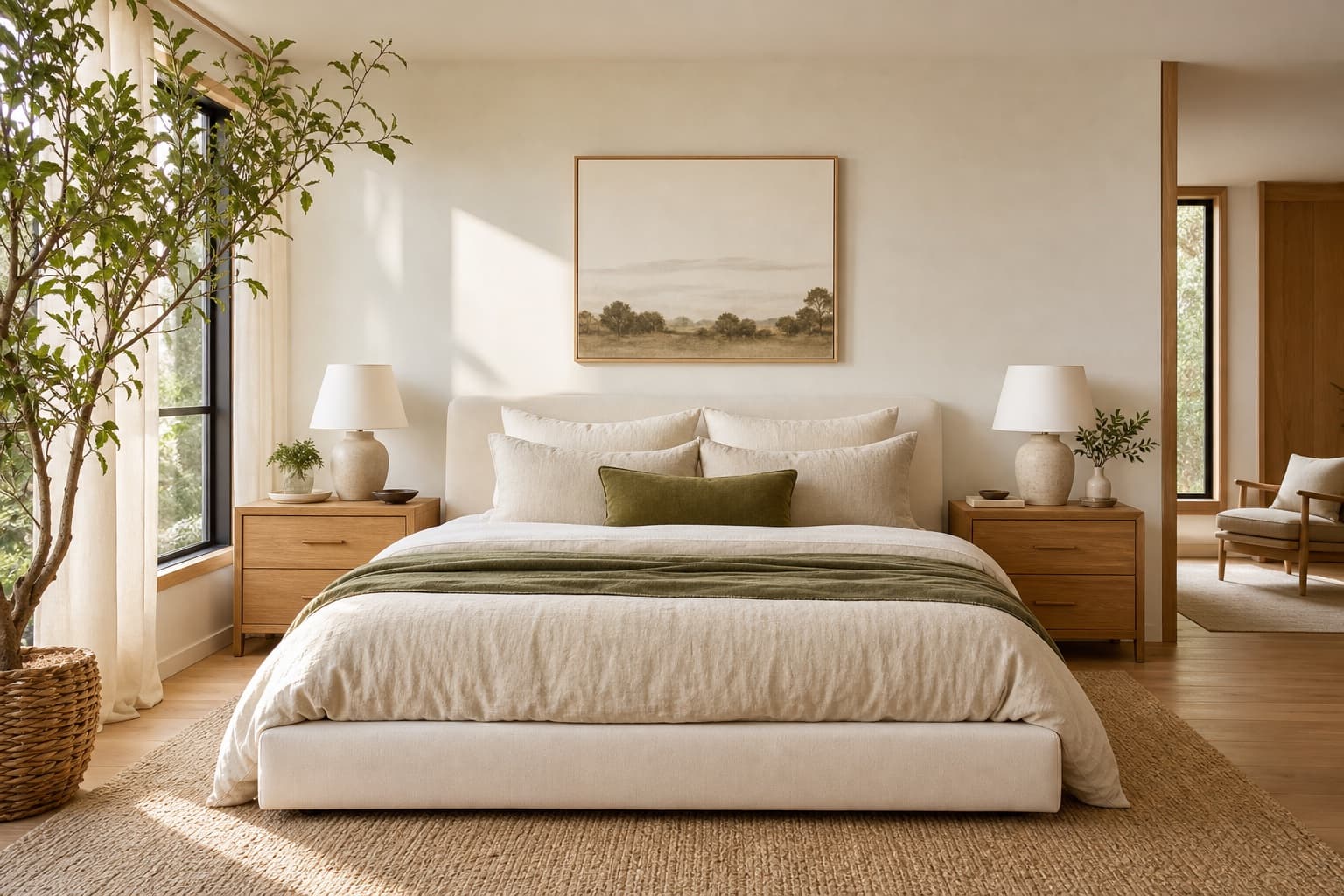
Bohemian Bedroom AI Design

Upload one photo. The AI renders a bohemian bedroom direction over your actual room — layered textiles, warm woods, plant life — in under a minute.

Built for real room photos

Start with a photo of the space you actually want to redesign.

Explore room styles

Compare directions from minimal and modern to Japandi and bohemian.

See a direction before you commit

Use a visual concept to clarify your taste before buying or renovating.

Try a sample room
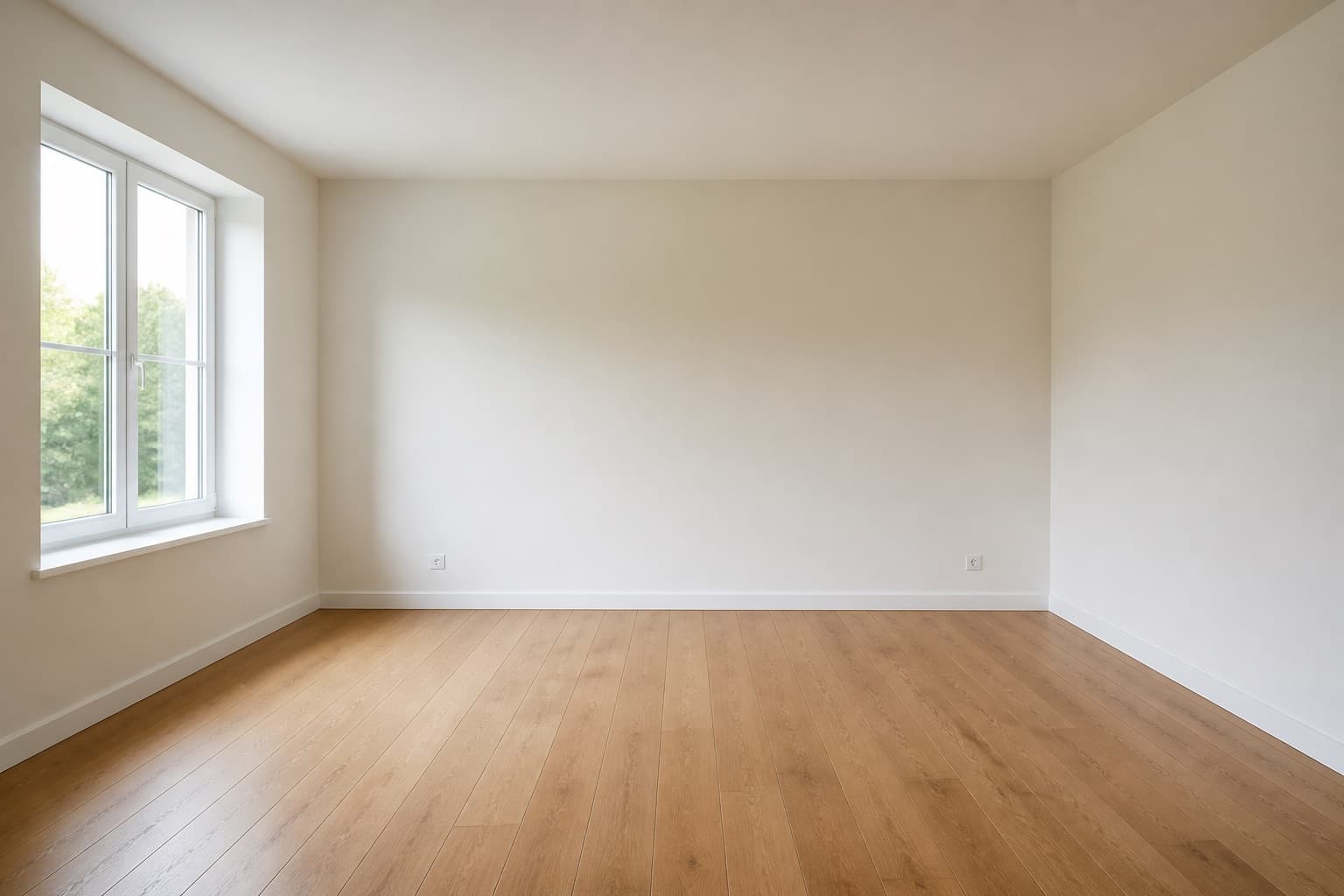
Original room previewBefore
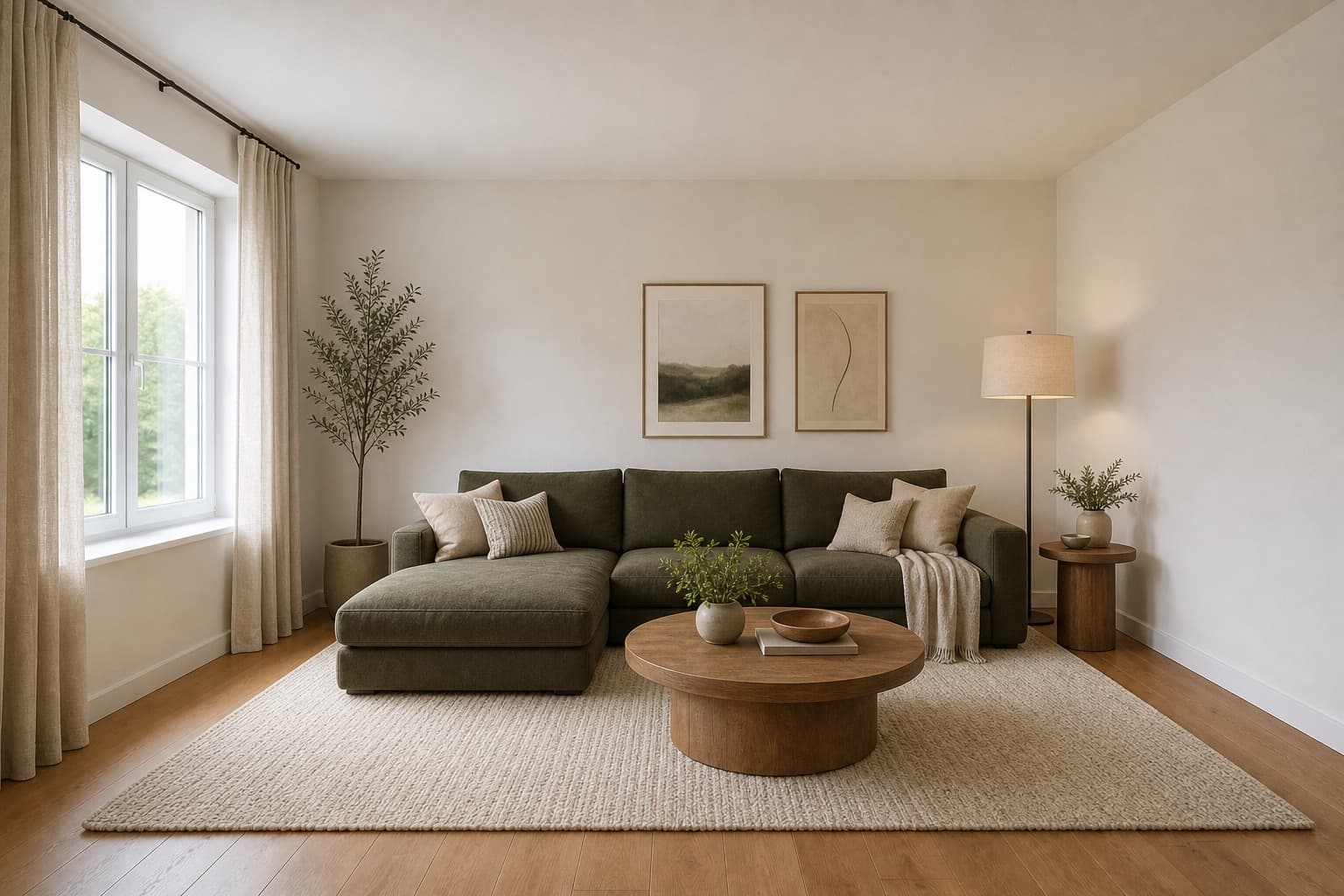
Selected room design conceptAfter

Made for homeowners, renters and design enthusiasts

Homepage previews stay on this device JPG, PNG and WebP supported Works on any device

Bohemian Bedroom AI Design

Bohemian Bedroom AI Design

A bohemian bedroom is the opposite of restraint, and that is the point. Where Scandinavian strips back, bohemian layers. Rugs overlap on the floor, textiles drape the bed and the headboard, warm woods carry the weight that pale oak refuses, and plants take every surface that is not actively being slept on. The room reads as collected rather than designed, which is the look people reach for when a calm spare room feels too cold to actually live in.

Miraliq's bohemian bedroom AI design tool reads the photo you upload and rebuilds the room in that register. Bedding layers into quilts and throws, furniture moves toward rattan and warm walnut, the palette warms toward terracotta, ochre, and indigo, and greenery enters at the edges. Your walls, windows, and the bed's position are preserved; the change is in how much warmth and pattern the room holds, not in anything structural.

Use it when a Scandinavian or Japandi render has read too spare, or when you want the bedroom to feel like it belongs to someone who has lived in it for years. Bohemian is the direction that introduces character through accumulation rather than subtraction, and the render tells you whether your room can carry that much warmth or whether it needs less pattern than you imagined.
Before & After

See the redesign, before and after

Original bedroom before bohemian AI redesign — plain white walls, sparse bedding, no warmthBefore
Same bedroom rendered in a bohemian direction — layered quilts, rattan, warm walnut, terracotta and plantsAfter

Bedding layered into quilts and throws, palette warmed to terracotta and ochre, plants entered at the edges.

Use Cases

When this tool earns its keep

1

Warm a bedroom that reads too spare

If a Scandinavian or minimalist render left the room feeling cold, bohemian is the corrective direction. Layered textiles and warm woods add back exactly the warmth restraint removed. The render shows what that accumulation would look like in your specific room before you buy a single throw or rug.

2

Test pattern and color safely

Terracotta walls and patterned bedding are a real commitment — once you paint, repainting is a day's work, and patterned bedding is hard to return once washed. The bohemian bedroom AI design tool shows how they read against your actual light before you commit to a single meter of fabric or a paint roller.

3

See where plants would actually sit

Plants are load-bearing in a bohemian bedroom — they fill the surfaces that textiles cannot. The render places them where the light and composition actually work, which is hard to imagine from an empty room and hard to undo once you have bought the plants and the stands.

AI Design Process

From photo to redesign in four steps

Step 1

Upload a photo

Shoot the bedroom from the doorway, bed made, in daylight. The bohemian bedroom AI design tool reads the bed and available surfaces from the photo to know where textiles and plants can layer. JPG, PNG, and WebP up to 4MB are supported. Warm afternoon light gives the most honest read of the terracotta palette.

Step 2

Choose bohemian direction

Select bedroom and bohemian. The AI layers bedding into quilts and throws, warms the palette to terracotta and ochre, and introduces rattan, warm walnut, and plants over your existing architecture. The room type preserves your layout; the style directs the accumulation.

Step 3

Generate the redesign

In under a minute you receive a high-resolution render. Walls and windows stay exactly where they were; bedding, furniture, palette, and greenery move toward a layered, collected register. The architecture is untouched — what changes is how much warmth the room carries.

Step 4

Compare and iterate

Use the before/after slider to judge the warmth. If the room reads too busy, regenerate with Japandi to strip it back, then compare the two extremes. One render rarely settles a bedroom — generate bohemian and Japandi back to back to find the right amount of warmth for your room.

Room Tips

Get the most out of every render

Make the bed, then add a throw

Bohemian bedrooms read the bed as the layered centerpiece, and a made bed gives the AI the base surface it builds on. Add one casually thrown textile so the tool sees the layered starting point, rather than a flat surface that could go in any direction — it anchors the bohemian intention.

Leave at least one surface empty

The AI will fill surfaces with plants and objects, and it needs at least one empty surface to compose on. If every surface in the photo is already cluttered, the render will pile more on top of existing clutter rather than composing cleanly. Clear one surface to give the tool room to work.

Shoot in warm afternoon light

Bohemian palettes depend on warm light to read correctly — terracotta and ochre look dead under cool morning blue. Late afternoon daylight reveals them honestly and the render will be a better predictor of how the room will look in the evening, which is when you use a bedroom most.

Keep the floor partially visible

Bohemian bedrooms layer rugs, but the AI needs to see some floor to read proportions correctly. Frame the photo so the bed is anchored on visible flooring, not buried entirely in textile — otherwise the render will misjudge furniture scale and the room will read as a fabric pile rather than a bedroom.

Supported Styles

Directions the AI can take your room

Modern

Clean lines and balanced forms. A cooler counterpoint if bohemian reads too warm — it keeps some calm while stripping back the pattern and plant life that bohemian depends on, useful as a comparison.

Japandi

Japanese restraint plus Scandinavian warmth. The opposite of bohemian layering — low, quiet, and spare. Useful as the extreme counterpoint to confirm whether bohemian is the right direction or whether your room actually wants less rather than more.

Minimalist

Stripped-back and intentional. The furthest direction from bohemian accumulation — it removes everything bohemian adds. Generate it as the opposite extreme and the bohemian render will suddenly read as warmer and more deliberate by contrast.

Mid-century Modern

Warm woods and organic curves. Shares bohemian's warmth but keeps cleaner lines and less pattern — a useful middle ground if bohemian reads too busy but you still want the warmth of wood.

Bohemian

Layered textiles, natural materials, expressive color, plant life — this page's direction. It is the warmest and most textured of the directions, which makes it the natural choice when every restrained direction has read too spare.

FAQ

bohemian bedroom AI design FAQ

Is bohemian the same as maximalism in a bedroom?
No. Maximalism fills every surface deliberately; bohemian layers selectively and lets some surfaces stay empty. The bohemian bedroom AI design tool keeps the room livable by layering textiles and plants where they earn their place, not by covering every wall. It reads as collected rather than crowded, which is the difference between a room that feels lived-in and one that feels staged.
Will the bohemian render make my bedroom feel cluttered?
It adds warmth, not chaos. The AI layers textiles and plants in a disciplined composition — there is a deliberate hierarchy, not a pile. If the result still reads too busy for your taste, regenerate with mid-century modern to keep the warmth but clean the lines, and compare the two to find the right amount of pattern for your room.
What colors does the bohemian render use?
Terracotta, ochre, rust, indigo, and warm cream against rattan and walnut wood. The AI uses these as layered accents on bedding, rugs, and textiles rather than solid wall color, which keeps the room livable. If your existing walls are already a strong color, the render shows whether the bohemian palette sits well beside it or fights it.
Does bohemian work in a small bedroom?
Cautiously. Layered textiles can overwhelm a compact space, so the AI keeps the palette controlled and limits pattern to two or three surfaces. It works best in small bedrooms that already read as too spare, where the warmth is corrective rather than excessive. Generate it and judge whether your specific room can carry the layering.
Can I keep my existing bed frame?
In redesign mode the AI reinterprets the frame toward rattan or warm walnut. If you want to keep your actual bed frame and only shift bedding and palette, use visualize mode — it preserves existing furniture more aggressively and only changes surfaces and mood. Generate one of each if you are undecided about replacing the frame.
Will the AI add plants to my render?
Yes — plants are load-bearing in a bohemian bedroom, filling the surfaces textiles cannot. The AI places them where light and composition actually work, which is one of the most useful parts of the render: it shows you where a real plant would thrive in your room, not just where one would look good in a photo.

Keep exploring

Related AI room design tools

See your bedroom in a bohemian direction

Upload one photo. The AI renders layered textiles, warm woods, and plant life over your actual room in under a minute. Free to try, no card required for the first render.

Upload & Try Free

MIRALIQ