Minimalist Kitchen AI Design

Upload one photo. The AI renders a minimalist kitchen direction over your actual layout — hidden storage, one material, calm counters — in under a minute.

Built for real room photos

Start with a photo of the space you actually want to redesign.

Explore room styles

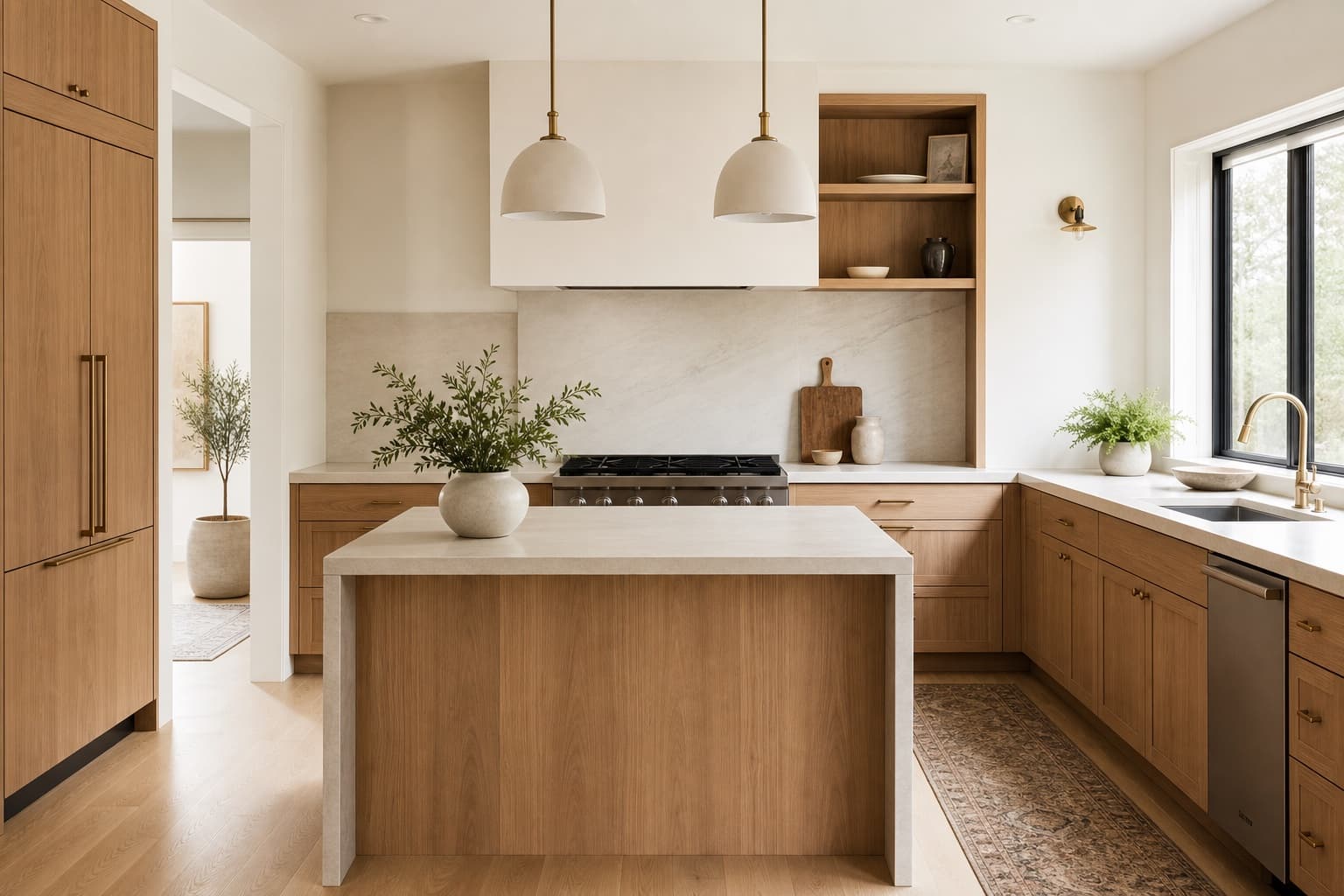
Compare directions from minimal and modern to Japandi and bohemian.

See a direction before you commit

Use a visual concept to clarify your taste before buying or renovating.

Try a sample room
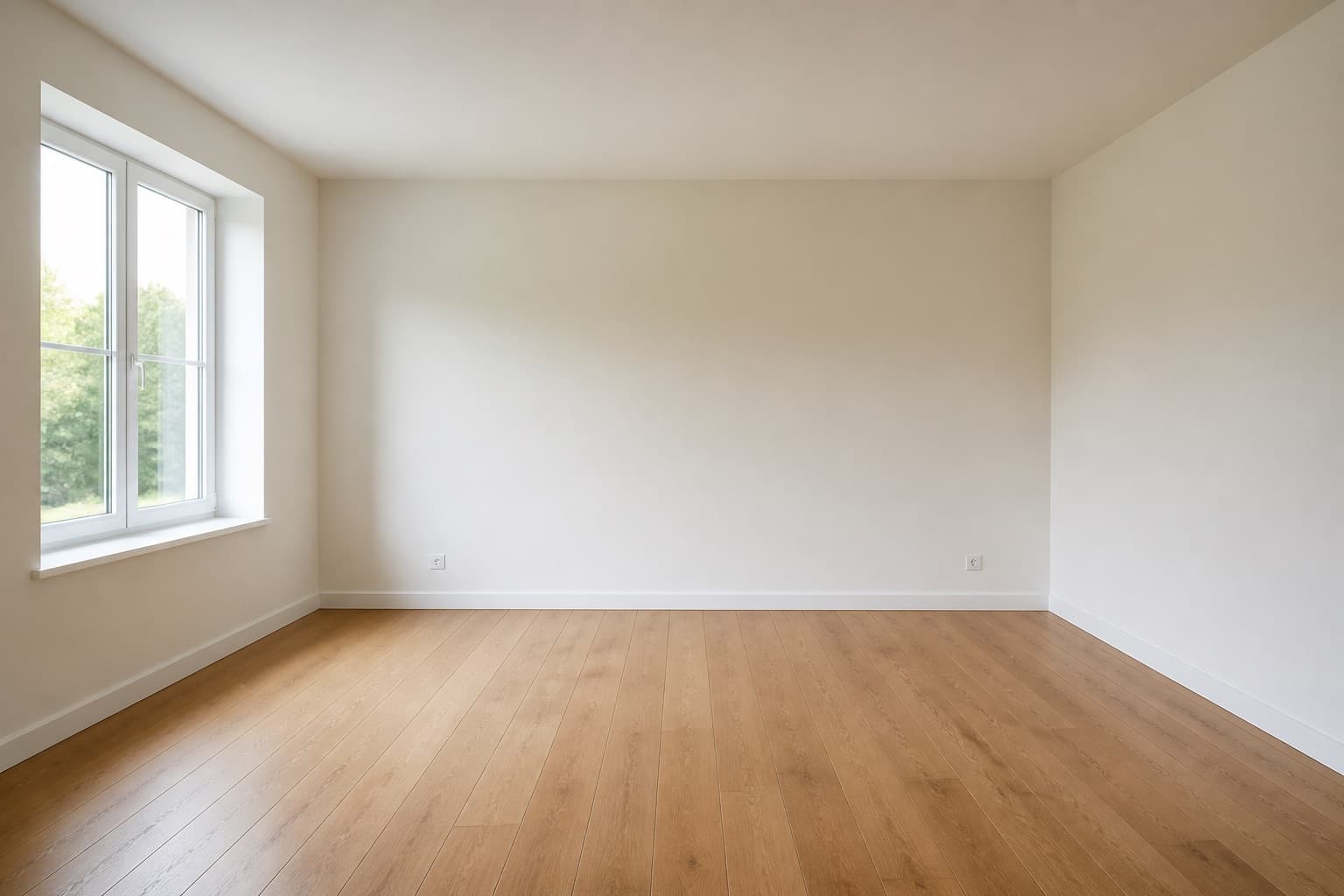
Original room previewBefore
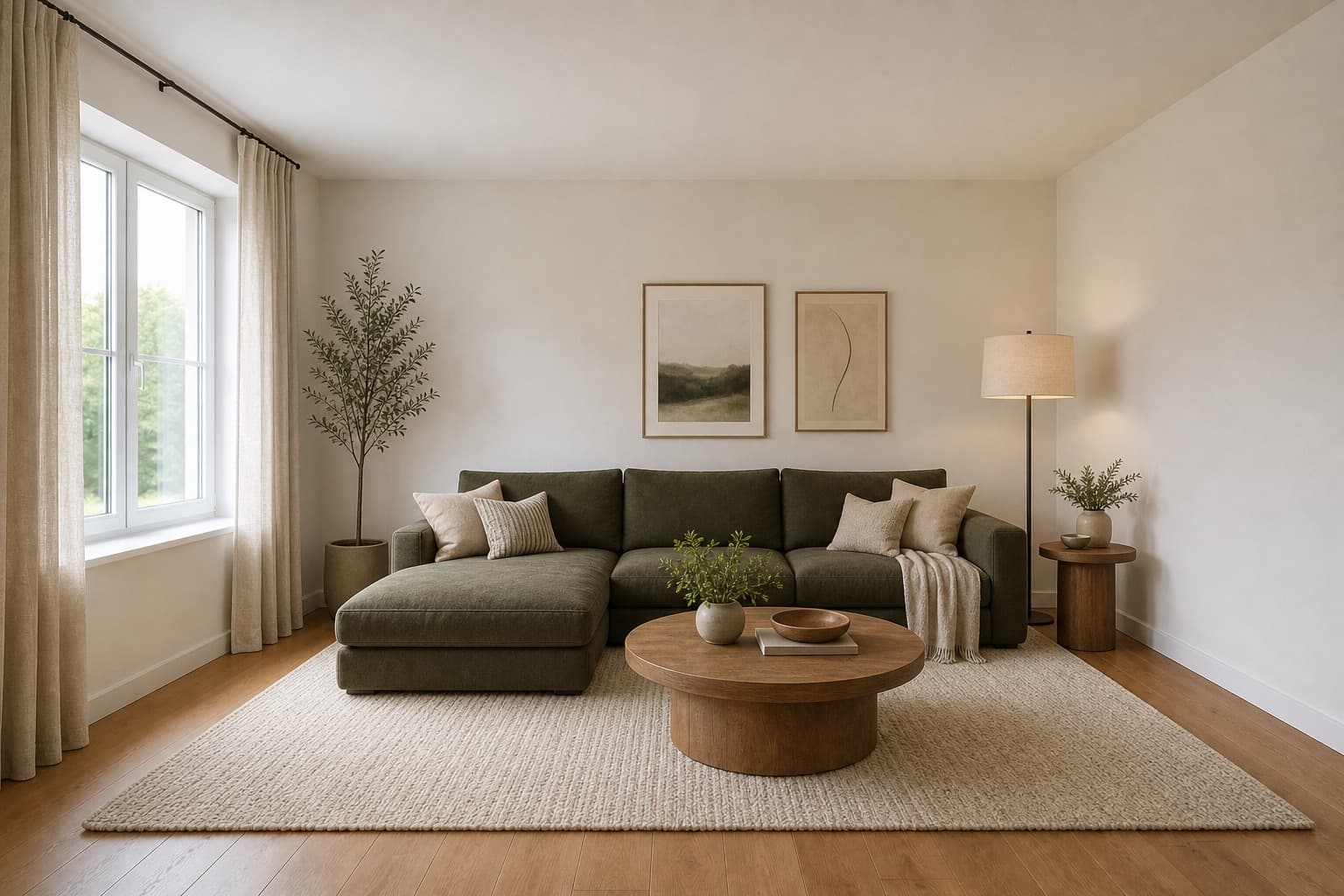
Selected room design conceptAfter

Made for homeowners, renters and design enthusiasts

Homepage previews stay on this device JPG, PNG and WebP supported Works on any device

Minimalist Kitchen AI Design

Minimalist Kitchen AI Design

A minimalist kitchen is harder than it looks because minimal is not the same as empty. The discipline is in what you remove, not what you add. One material for the counters and the backsplash, cabinetry that hides the appliances, handles that disappear into the door, and a single continuous line where the counter meets the wall. Everything that remains has to justify itself, and the room reads as calm rather than bare.

Miraliq's minimalist kitchen AI design tool reads the photo you upload and rebuilds the room toward that discipline. Cabinet doors go handleless and run flush, the counter and backsplash merge into one material, small appliances disappear behind integrated fronts, and the palette narrows to a single tone. Your layout, appliance positions, and window locations stay the reference — what changes is how much the room settles into a single calm surface.

Use it when the kitchen reads as cluttered despite your efforts, or before you commit to a refit. A render of your own kitchen tells you whether the calm you are chasing is achievable in this space, or whether the room needs a warmer direction than pure minimalism allows. It is the cheapest way to find out before you spend on a refit that might not deliver what you hoped.

Before & After

See the redesign, before and after

Original kitchen before minimalist AI redesign — cluttered counters, visible small appliances, mixed materialsBefore
Same kitchen rendered in a minimalist direction — handleless flush cabinets, single-material counters, hidden appliancesAfter

Cabinets went handleless, counters and backsplash merged to one material, appliances disappeared behind integrated fronts.

Use Cases

When this tool earns its keep

1

Settle a visually busy kitchen

Mixed materials and visible appliances keep the eye moving across the kitchen, which is the opposite of calm. The minimalist kitchen AI design tool narrows everything to one surface so the room reads as a single calm plane. The render shows what that discipline would look like in your specific kitchen before you commit to it.

2

Test integrated appliances safely

Integrated fronts hide fridges and dishwashers but are a real investment, and the cabinetry has to be ordered to fit. The render shows what hidden appliances would do to your cabinet line before you commit, so you can judge whether the cleaner line is worth the cost and the wait for custom cabinetry.

3

Decide on a single-material counter

Running the same material from counter to backsplash to wall is the strongest minimalist move in a kitchen, because it eliminates the visual breaks that make a kitchen read as busy. The AI renders it across your actual kitchen so you can judge the cumulative calm, or whether one material across every surface reads as too flat.

AI Design Process

From photo to redesign in four steps

Step 1

Upload a photo

Shoot the kitchen straight-on with the main counter run visible and all cabinet doors closed. The minimalist kitchen AI design tool reads cabinetry lines and material transitions from the photo. JPG, PNG, and WebP up to 4MB are supported. Overcast daylight gives the most honest read of the single material the direction depends on.

Step 2

Choose minimalist direction

Select kitchen and minimalist. The AI removes handles, merges counter and backsplash into one material, hides appliances behind integrated fronts, and narrows the palette over your existing layout. The room type preserves your layout; the style directs the reduction.

Step 3

Generate the redesign

In under a minute you receive a high-resolution render. Layout and appliance positions stay exactly where they were; surfaces, materials, and storage move toward a single calm plane. The architecture is untouched — what changes is how much the room settles into one surface.

Step 4

Compare and iterate

Use the before/after slider to judge the calm. If the kitchen reads too austere, regenerate with modern to add material warmth, then compare the two directions. One render rarely settles a kitchen refit — generate minimalist and modern back to back to find the right degree of reduction for your room.

Room Tips

Get the most out of every render

Clear the counters completely

Minimalism depends on empty horizontal surfaces — a single toaster on the counter breaks the calm the direction requires. Clear every small appliance, knife block, and utensil holder before shooting so the render can propose the calm counter it needs, rather than working around your existing clutter.

Photograph with all doors closed

Open cabinet doors and drawers introduce exactly the visual noise minimalist design removes, and the AI will try to preserve the contents it sees. Close everything so the AI reads a single continuous cabinet line and can propose the flush fronts the direction calls for.

Hide the dish rack and sponges

These are the details that break a minimalist kitchen in real life, because they sit on the counter where the calm is supposed to be. The render will remove them, but hiding them in the photo first gives the AI a cleaner starting surface and a more accurate render of what the room could look like at its best.

Shoot in flat overcast light

Harsh sun creates shadows that read as visual noise in a minimalist render, because the direction depends on even surfaces to read as calm. Overcast daylight gives the AI the even surface it needs to propose a single material honestly, and the render will predict the room accurately rather than flattering it.

Supported Styles

Directions the AI can take your room

Modern

Clean cabinetry and matte stone counters. A warmer partner to minimalism if the kitchen reads too austere — it keeps the clean lines but reintroduces material variety through matte oak and brushed metal that pure minimalism removes.

Japandi

Japanese restraint plus Scandinavian warmth. Warmer and lower than pure minimalism, with pale oak accents. Try it if the minimalist render reads too cold and you want to add warmth and wood without abandoning the calm.

Minimalist

Stripped-back, intentional, essential — this page's direction, reducing the kitchen to one calm surface. It goes further than modern by removing material variety and hiding almost all storage, which some kitchens need and others cannot sustain.

Mid-century Modern

Warm woods and organic curves. The opposite of minimalist restraint — useful if the kitchen reads too clinical and you want to add teak, walnut, and tapered legs without losing the contemporary feel.

Bohemian

Layered textiles, natural materials, and expressive color. The furthest direction from minimalism — rarely used in full kitchens, but useful as a counterpoint to confirm that minimalism is the calmer choice for your space.

FAQ

minimalist kitchen AI design FAQ

Is a minimalist kitchen practical for a family that cooks daily?
It can be, but only if storage is honest. Minimalism in a kitchen is not about owning less — it is about hiding what you own behind integrated fronts. The AI keeps storage capacity; it just removes the visual evidence of it. The render shows whether that discipline is achievable in your layout, which is the question you actually need answered before committing to the refit.
Will the AI hide my existing appliances?
Visually, yes — the render shows integrated fronts where freestanding appliances currently sit. It does not modify your actual kitchen. Use the render as a brief for what integrated cabinetry you would need to source to achieve the look, and take it to a kitchen fitter who can tell you what is structurally possible.
What single material does the minimalist render use?
Matte quartz, porcelain, or microcement in a single tone — usually soft white, greige, or charcoal — run continuously from counter to backsplash. The AI avoids contrasting materials, which would reintroduce the visual breaks minimalism removes. If your existing kitchen has mixed materials, the render shows what one material across every surface would look like.
Does minimalism work in a small kitchen?
Especially well. Fewer materials and hidden storage are exactly what compact kitchens need to read larger, because visual breaks are what make small kitchens feel cramped. The AI keeps the cabinet line continuous so the room reads as one calm surface rather than a collection of objects competing for attention.
How is minimalist different from modern in a kitchen?
Modern keeps two or three materials — matte stone, oak, brushed metal — layered with warmth. Minimalism narrows to one material and removes almost all hardware. The minimalist kitchen AI design tool goes further than the modern one; generate both and the difference is immediately visible. The question is whether your kitchen wants the warmth modern keeps or the calm minimalism delivers.
Can I keep my open shelving in a minimalist render?
The AI will likely replace open shelving with closed cabinetry, since open shelves display objects and minimalism removes display. If you want to keep open shelving, use visualize mode — it preserves existing furniture and surfaces more aggressively and only shifts lighting and palette. The two modes together tell you what to keep and what to change.

Keep exploring

Related AI room design tools

See your kitchen in a minimalist direction

Upload one photo. The AI renders hidden storage, a single material, and calm counters over your actual layout in under a minute. Free to try, no card required for the first render.

Upload & Try Free

MIRALIQ