We uploaded our living room photo and got three Scandinavian directions back in under two minutes. We picked one, showed it to our contractor, and the final result is shockingly close to the render.
Maya Patel
First-time homeowner, Brooklyn
Upload one photo of your child's room. The AI renders a coastal direction — whitewashed bunk with safety rails, seafoam accent wall, driftwood-tone storage, woven rattan baskets — over your actual architecture, with child-safe materials throughout, in under a minute.
Start with a photo of the space you actually want to redesign.
Compare directions from minimal and modern to Japandi and bohemian.
Use a visual concept to clarify your taste before buying or renovating.
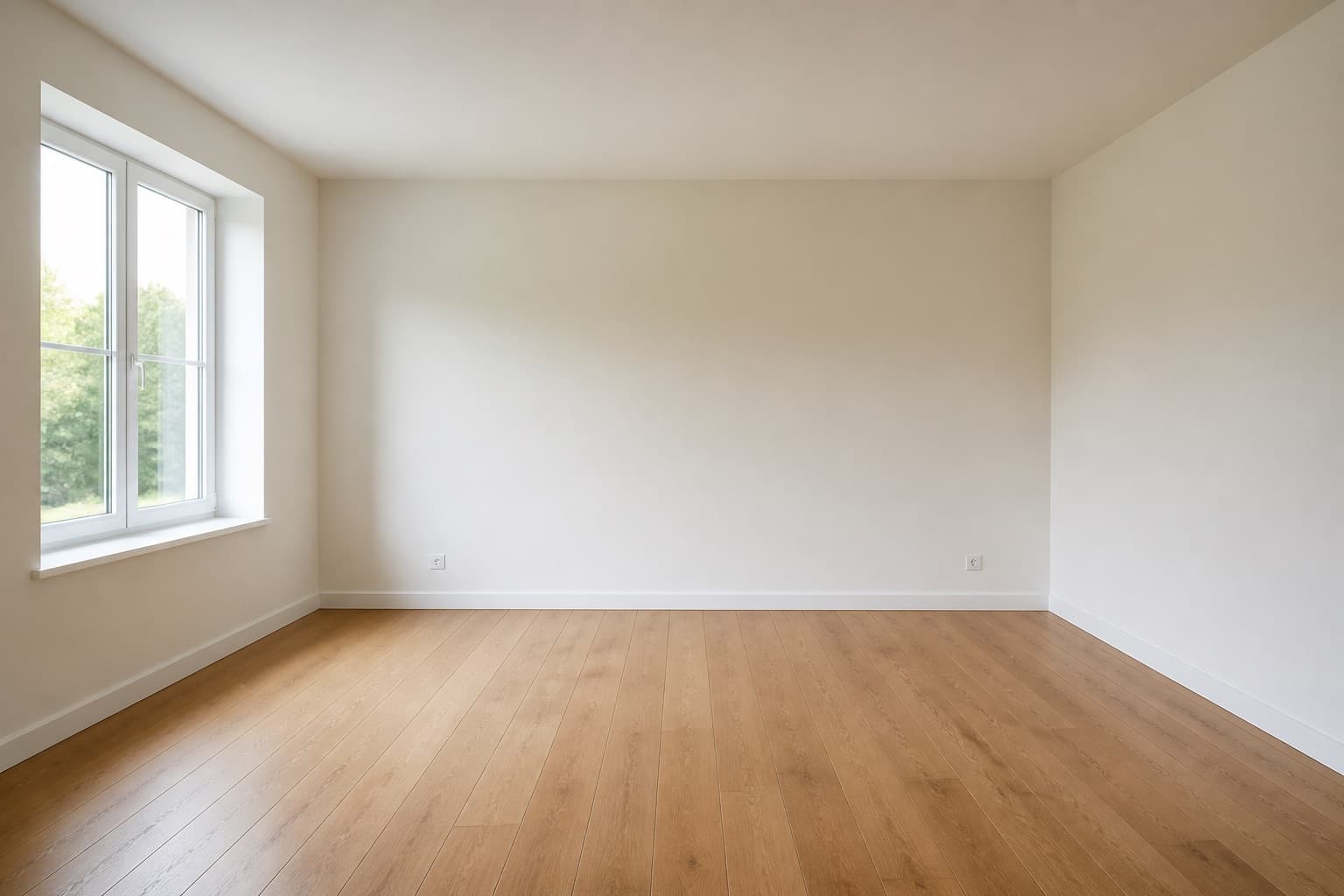 Before
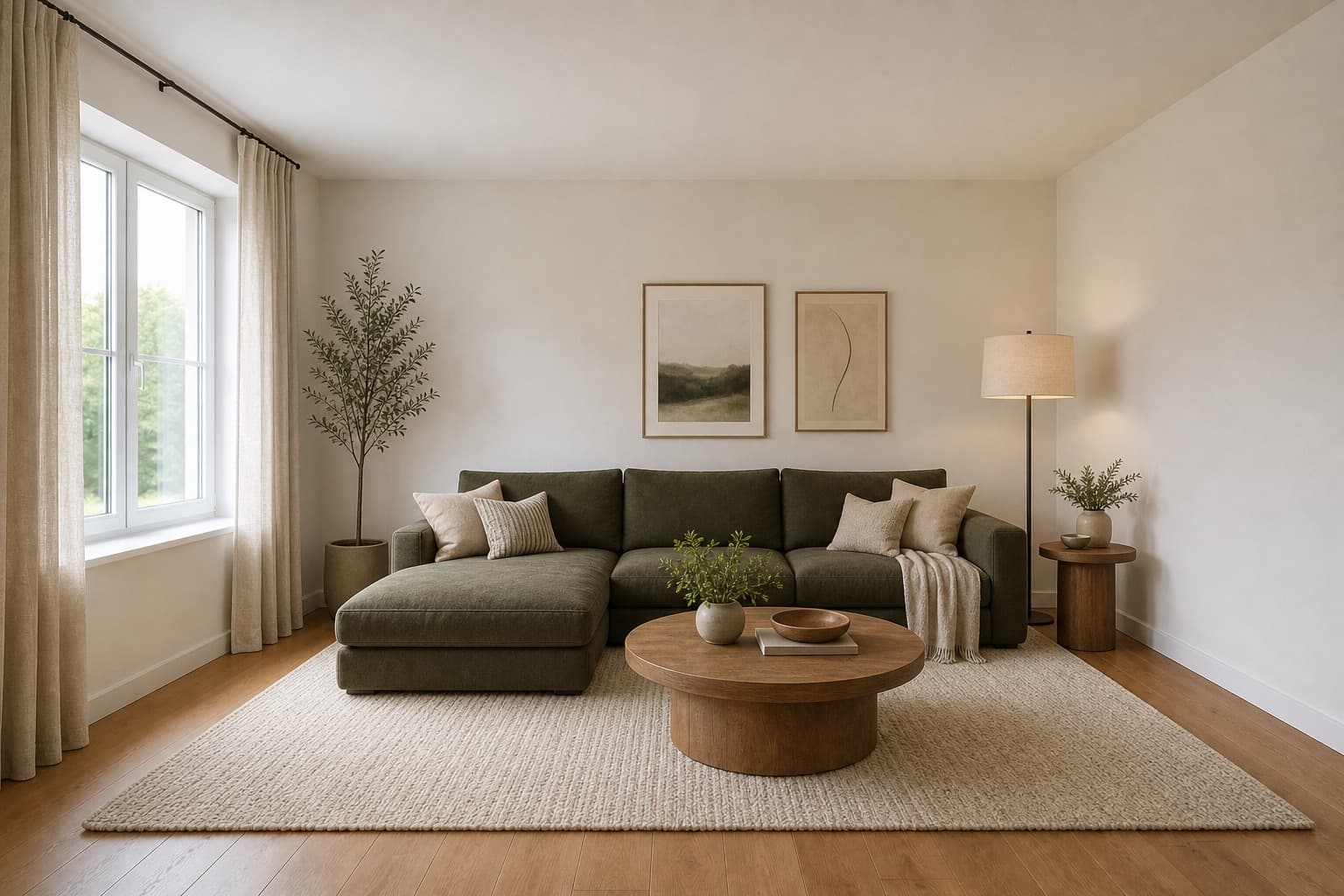 After
AfterMade for homeowners, renters and design enthusiasts
Coastal Kids Room AI
A coastal kids room is not really about the sea — it is about light, air, and the kind of surfaces that forgive a sandy towel and a wet swimsuit thrown on the bed. Done well, the direction borrows from beach house shorthand (whitewashed wood, seafoam blue, driftwood tones, woven baskets) without becoming a theme park. Done badly, it lands as lighthouses on the wallpaper and anchor motifs on the throw pillows, which a child outgrows in two years and a parent regrets in one. The discipline is to keep the palette and the materials, and leave the kitsch at the door.
Miraliq's coastal kids room AI reads the photo you upload and rebuilds the room in that direction — a whitewashed bunk bed with safety rails, a seafoam blue accent wall, striped linen bedding, driftwood-tone storage crates, sheer linen curtains to soften the natural light, woven rattan toy baskets, and nautical rope shelf edging. Wall geometry, window positions, and ceiling height stay exactly where they are. The AI layers the coastal vocabulary over your child's actual room, with rounded edges and child-safe materials implied throughout rather than added as an afterthought.
The render is most useful before you commit to a bunk bed, because bunks are the single most structural decision in a kids room and the hardest to undo. A coastal bunk reads very differently from a Scandinavian bunk or an industrial one — the whitewash, the safety rail profile, and the driftwood ladder all contribute — and the wrong bunk will fight every other piece you bring into the room. A render of your own space tells you whether the coastal direction actually fits the light, the proportions, and the way your child actually uses the room, before the bunk arrives and you discover it blocks the only closet.
Before & After
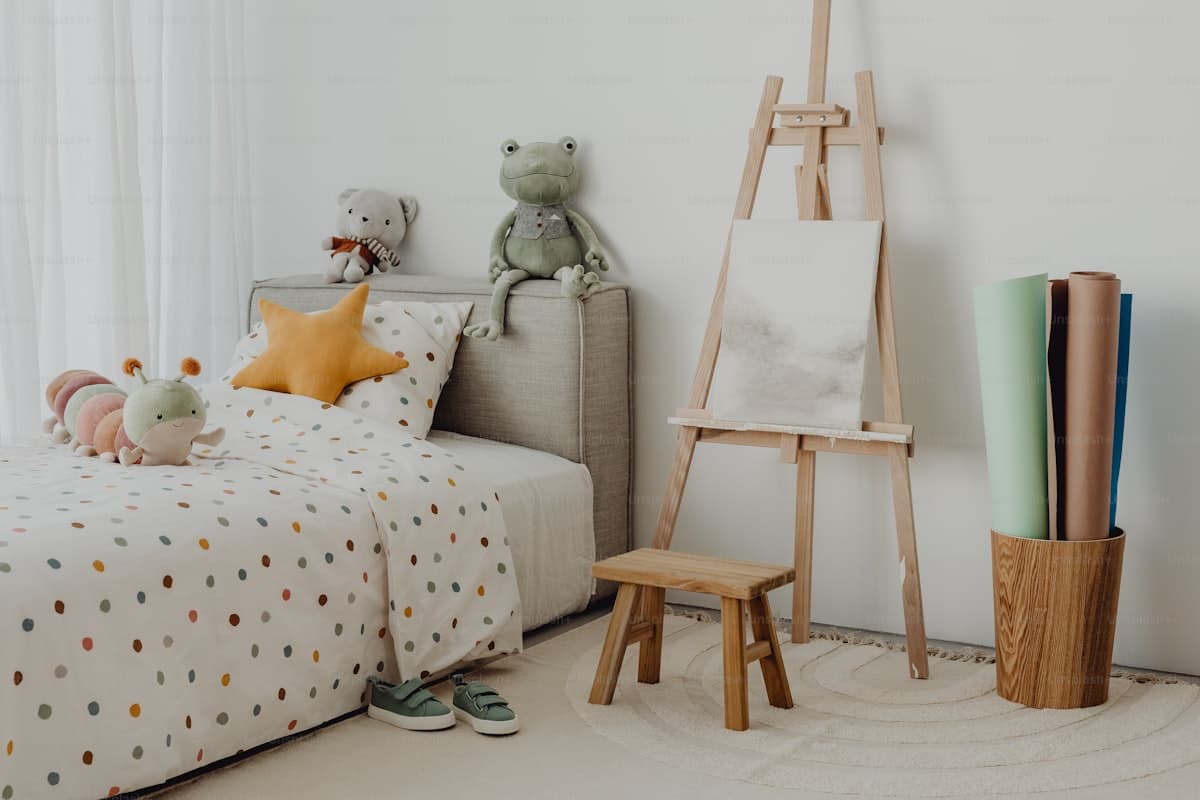 Before
 After
AfterArchitecture preserved. Bunk, storage, palette, and bedding rebuilt in a coastal direction with safety rails, in a single render.
Try it now
Upload a photo and let the AI redesign it in seconds. No sign-up needed to preview.
Loved by homeowners
50K+
Rooms redesigned
180K+
Designs generated
4.9/5
Average rating
90s
Average generation time
We uploaded our living room photo and got three Scandinavian directions back in under two minutes. We picked one, showed it to our contractor, and the final result is shockingly close to the render.
Maya Patel
First-time homeowner, Brooklyn
I use this for every studio project. The Mid-century direction is genuinely well-researched — it nails the walnut + ochre + brass palette without me having to prompt for it.
Daniel Reyes
Interior design student, Chicago
Landlord won't let me paint. The refresh mode showed me how rearranging furniture, swapping rugs, and adding plants could transform the space without touching the walls. Genius.
Yuki Tanaka
Renter, Tokyo
Rated 4.9/5 by homeowners and design enthusiasts
Use Cases
A bunk bed is the most structural decision in a kids room, and a coastal bunk is heavier visually than a Scandinavian one because of the whitewash and the safety rail profile. The coastal kids room AI renders the bunk at realistic proportions over your actual room so you can see whether it blocks the window, the closet, or the ceiling fan, before the bunk is delivered and you discover the room no longer breathes. The render is the cheapest way to find out the bunk does not fit.
North-facing kids rooms eat color and leave the room reading as grey, which is a particular problem for a child who spends the day in it. The coastal palette — whitewashed wood, seafoam accent wall, sheer linen curtains — bounces what little light there is back into the room, which is how beach houses handle the same problem on overcast days. The render tells you whether the strategy will actually rescue your particular corner before you repaint.
Coastal bunks and storage crates look simple but require specific safety modifications for a child — the bunk needs safety rails at the right height, the driftwood storage crates need rounded edges, the nautical rope shelf edging needs to be secured so it cannot be pulled off. The render gives your carpenter a clear visual of the target, with the safety posture implied throughout, so the conversation starts from what to build rather than what you meant by 'coastal but safe'.
AI Design Process
Shoot your child's room straight-on from the doorway in natural daylight. The coastal kids room AI reads walls, windows, and proportions from the photo itself — it does not need measurements or a floor plan. JPG, PNG, and WebP up to 4MB are supported, and a single clean frame is enough to generate from. Make the bed and clear the floor so the AI can read the actual surface area, but wall clutter does not matter.
Select kids room as the room type and redesign as the mode. The AI keeps your architecture — wall geometry, window positions, ceiling height — and applies a whitewashed bunk with safety rails, a seafoam blue accent wall, striped linen bedding, driftwood-tone storage, sheer linen curtains, woven rattan baskets, and nautical rope shelf edging. You are directing the mood and the safety posture, not redrawing the room.
In under a minute you receive a high-resolution render. Walls and windows stay exactly where they were; the bunk, storage, palette, and bedding shift toward a coastal mood with safety rails and rounded edges throughout. The architecture is the reference, not the casualty — nothing structural changes, and the materials the AI adds are child-safe by default.
Use the before/after slider to judge whether the direction fits your child's room. Too beachy for your taste? Generate a second render in Scandinavian to cool it down, or in modern to sharpen it up. One render rarely settles a kids room redesign — two or three together tell you which version of coastal your child's room can actually carry, and at what age.
Room Tips
Light is the whole point of a coastal kids room — sheer linen curtains and whitewashed wood only work when they have daylight to bounce. Frame the photo so the main window is visible, and the coastal kids room AI will balance the seafoam accent wall and the whitewash against your actual daylight source. Without that information the palette can land too cool or too warm for your particular room.
The AI uses your existing furniture as a scale anchor — it reads the bed's footprint to judge how large the new bunk should be. Keep the largest piece visible and roughly centered so the render reads proportions correctly, and the new coastal bunk does not come back impossibly large relative to your real walls and ceiling height.
Floor clutter confuses the AI's reading of the driftwood-tone storage crates and the woven rattan baskets, because it cannot tell where the floor ends and the toys begin. Wall clutter matters less — the redesign will replace the wall treatment anyway. Spend two minutes clearing the floor and you will get a noticeably cleaner render of how the coastal direction actually sits in your child's room.
Adult eye level flattens a kids room and makes the bunk and the storage look smaller than they will feel to the child who lives there. Shoot at your child's eye level — usually around three to four feet depending on age — and the coastal kids room AI will size the bunk rails, the shelf edging, and the rattan baskets at heights that actually work for them, not for you.
Supported Styles
Pale wood, warm-white walls, and natural linen. The closest sibling to coastal — same lightness, same natural materials, but without the seafoam accent or the nautical vocabulary. Try it if the coastal render reads too themed for your taste, or for a room shared with a sibling who does not love blue.
Clean lines and balanced forms with matte oak and brushed metal. A sharper, less weathered partner to coastal — it keeps the lightness but trades the driftwood and rattan for cleaner planes and warmer metals. Useful when the coastal render reads too casual for an older child.
Japanese restraint fused with Scandinavian warmth, with lower furniture and oat-oak tones. A quieter, more grounded midpoint between coastal and minimalist — it keeps the natural materials of coastal but removes the seafoam and the nautical motifs entirely. Useful for a study-sleep hybrid kids room that needs to feel calm.
Layered textiles, natural materials, and expressive color — a warmer, more textured partner to coastal. Where coastal keeps a restrained seafoam-and-white palette, bohemian adds saturated jewel tones and macrame. Try it if the coastal render reads too spare and your child wants more color and pattern on the surfaces.
Stripped-back and intentional, with cleaner planes than coastal. Where coastal keeps rattan baskets and rope shelf edging, minimalism removes them in favor of hidden built-ins. Try it if the coastal render still reads as too busy for a small kids room, or for an older child who wants a more grown-up space.
FAQ
Keep exploring
Upload one photo. The AI renders a whitewashed bunk with safety rails, a seafoam accent wall, and driftwood-tone storage over your actual room — with child-safe materials throughout — in under a minute. No measurements, no software, no commitment. Free to try, no card required for the first render.
Upload & Try FreeMIRALIQ