We uploaded our living room photo and got three Scandinavian directions back in under two minutes. We picked one, showed it to our contractor, and the final result is shockingly close to the render.
Maya Patel
First-time homeowner, Brooklyn
Upload one photo of your home office. The AI renders a coastal direction over your actual architecture — whitewashed wood, seafoam, linen — in under a minute.
Start with a photo of the space you actually want to redesign.
Compare directions from minimal and modern to Japandi and bohemian.
Use a visual concept to clarify your taste before buying or renovating.
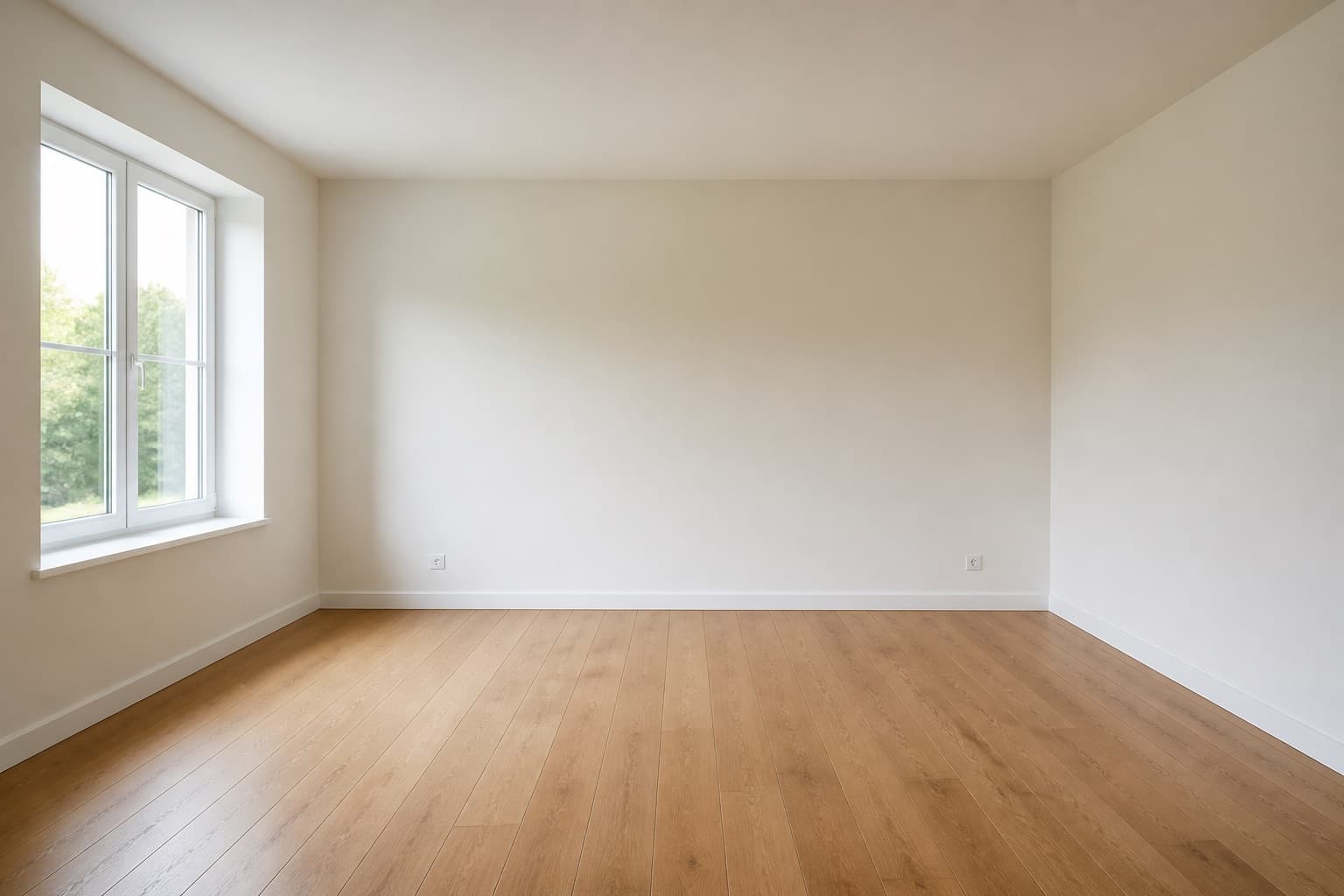 Before
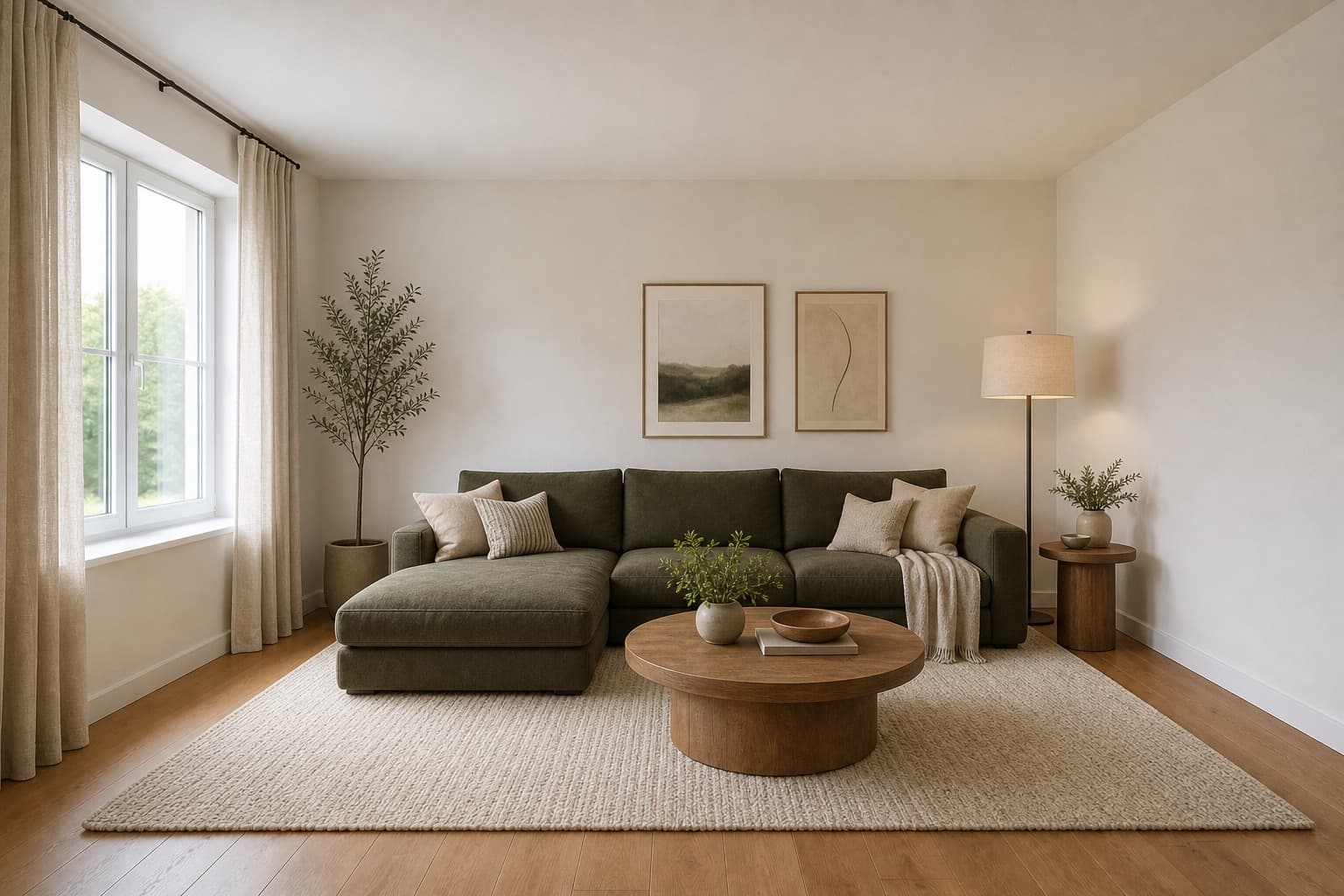 After
AfterMade for homeowners, renters and design enthusiasts
Coastal Home Office AI
Light is the make-or-break variable in a home office, and a coastal direction is the one that optimizes for it. Whitewashed wood, seafoam accents, and sheer linen curtains exist in this room for a reason — to bounce and diffuse every photon that reaches the desk so the screen stops fighting the glare. The style was built for houses that face the water, where the sun is harsh and the air is salty, but the underlying logic transfers to any home office that struggles with afternoon glare or a window that throws a stripe across the keyboard at three in the afternoon.
Miraliq's coastal home office AI reads the photo you upload and rebuilds the room in that direction: whitewashed wood desk, seafoam blue accent wall behind the monitor, natural linen task chair, driftwood floating shelves for the books you actually reference, and sheer linen curtains that turn direct sun into soft directional light. The walls, windows, and proportions stay where they are. The mood shifts underneath them — surfaces lighten toward bleached wood, the palette cools toward seafoam and oat, and the window treatment becomes the room's most important decision rather than an afterthought.
Use it before you buy window treatments, before you repaint the accent wall, or before you commit to a desk material that will fight your light. A render of your own room answers a question a Pinterest board cannot — whether this direction actually fits the orientation of your window, the hours you work, and the way light moves across your desk through the day. The render is the point at which a vague preference for coastal calm becomes a decision you can act on, or a direction you can set aside before it costs you anything.
Before & After
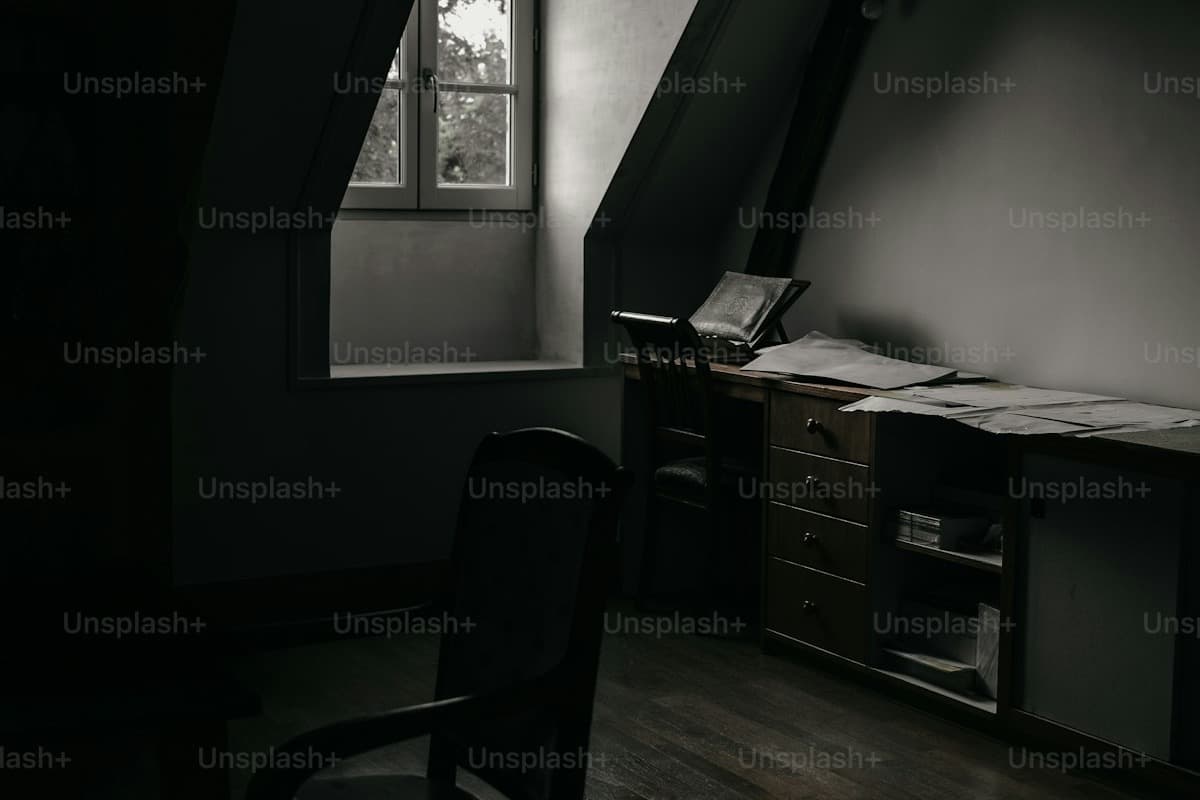 Before
 After
AfterArchitecture preserved. Desk, wall color, and window treatment rebuilt in a coastal direction in a single render.
Try it now
Upload a photo and let the AI redesign it in seconds. No sign-up needed to preview.
Loved by homeowners
50K+
Rooms redesigned
180K+
Designs generated
4.9/5
Average rating
90s
Average generation time
We uploaded our living room photo and got three Scandinavian directions back in under two minutes. We picked one, showed it to our contractor, and the final result is shockingly close to the render.
Maya Patel
First-time homeowner, Brooklyn
I use this for every studio project. The Mid-century direction is genuinely well-researched — it nails the walnut + ochre + brass palette without me having to prompt for it.
Daniel Reyes
Interior design student, Chicago
Landlord won't let me paint. The refresh mode showed me how rearranging furniture, swapping rugs, and adding plants could transform the space without touching the walls. Genius.
Yuki Tanaka
Renter, Tokyo
Rated 4.9/5 by homeowners and design enthusiasts
Use Cases
Blackout curtains kill glare by killing the light, which is the wrong move in a room where you are trying to stay alert. Sheer linen curtains solve it by diffusing the light, which keeps the room bright enough for focus but soft enough that the screen stops competing with the window. The coastal home office AI renders the exact curtain weight against your actual window, so you see whether sheer linen is enough for your particular orientation or whether you need to layer it.
A seafoam accent wall behind the monitor is the defining coastal move, and it is a brave one to commit to with a paint roller. The color reads completely differently depending on your window orientation — cool and crisp in a north-facing room, almost mint in a south-facing one. The render shows you exactly how the color will land against your actual daylight, which is the only honest way to evaluate it before you commit a gallon of paint and a weekend.
Coastal storage is supposed to look like it washed up, not like it was installed — driftwood floating shelves, woven rattan baskets, open storage that does not try to hide the things you use. The render shows you whether that open-storage approach actually reads as intentional in your room, or whether it just looks like you ran out of cabinet budget. Most home offices want a mix of open and closed storage, and the render is how you find the right ratio.
AI Design Process
Shoot your home office straight-on from the doorway in natural daylight, with the window and the wall behind your monitor both visible. The coastal home office AI reads walls, windows, and proportions from the photo itself — it does not need measurements or a floor plan. JPG, PNG, and WebP up to 4MB are supported, and a single clean frame is enough to generate from.
Select home office as the room type and redesign as the mode. The AI keeps your architecture — wall geometry, window positions, ceiling height — and applies a whitewashed wood desk, seafoam accent wall, linen task chair, and sheer linen curtains over it. You are directing the mood, not redrawing the room.
In under a minute you receive a high-resolution render. Walls and windows stay exactly where they were; desk, wall color, window treatment, storage, and lighting shift toward a coastal mood. The architecture is the reference, not the casualty — nothing structural changes.
Use the before/after slider to judge whether the direction fits your light and proportions. Too cool for your taste? Generate a second render in Scandinavian to warm the palette, or in modern to sharpen the lines. One render rarely settles a redesign — two or three together tell you which version of coastal your room actually wants.
Room Tips
Coastal design exists to solve glare, so testing it against your room's worst hour is the honest test. If your desk catches direct sun at three in the afternoon, shoot at three in the afternoon — the render will show you whether sheer linen actually tames the glare at that hour or whether you need to layer a second treatment. A photo taken in soft morning light will lie to you about how the room behaves when the sun is actually on it.
The window treatment is the most important decision in a coastal home office, so the AI needs to see what you currently have. Photograph the room with the curtains or blinds visible and in their normal daytime position — fully open, half drawn, however you actually keep them. The tool uses that information to understand how much light you are willing to let in, which changes the curtain weight it renders.
Desk clutter confuses the AI's reading of the desk surface and the floating shelves, because it cannot tell where the work surface ends and the stuff begins. Clear the coffee cups and loose papers. Reference books and a laptop can stay — they give the AI accurate information about how you actually use the desk, which helps it render storage at the right scale for your real workflow.
Most home offices are photographed from the doorway, but the angle that matters for coastal design is the one from your chair — that is the view that decides whether the window treatment is doing its job. After you take the straight-on photo for the AI, take a second one from your seated position for your own reference. Compare the render to both views before you commit, because coastal light behaves very differently depending on where you sit relative to the window.
Supported Styles
Pale oak floors, white walls, and linen upholstery. A warmer default than coastal if your room skews cool — it shares the light-bouncing palette and linen textures but swaps the seafoam accents for warm whites, which reads as calm rather than coastal.
Clean lines and balanced forms with restrained details. A sharper default than coastal if the linen and driftwood read as too soft for your work — it keeps the light palette but trades the bleached wood for matte oak and brushed metal, which reads as professional rather than vacation.
Japanese restraint fused with Scandinavian warmth. Lower furniture than coastal, an oat and oak palette, and paper-light fixtures. It reads as quieter than coastal and warmer than minimalism — a useful midpoint if the coastal render feels too bright and airy for serious work.
Stripped-back and intentional, with less texture and more contrast than coastal. Where coastal keeps linen and driftwood as soft texture, minimalism removes them in favor of cleaner planes. Try it if the coastal render still reads as too busy or too decorative for the focused work the room is actually for.
Layered textiles, natural materials, and expressive color — coastal's warmer, louder cousin. Useful as a comparison if the coastal render feels too restrained: generate it once and the coastal render suddenly looks more focused and disciplined by contrast.
FAQ
Keep exploring
Upload one photo. The AI renders a whitewashed wood desk, seafoam accent wall, and sheer linen curtains over your actual room in under a minute — no measurements, no software, no commitment. Free to try, no card required for the first render.
Upload & Try FreeMIRALIQ