Compare styles before committing
Place modern, Scandinavian, or warmer layered directions beside the same room photo to see which atmosphere feels closer to your goal.
Visualize new styles, furniture, and finishes in your own room with an AI room visualizer.
Start with a photo of the space you actually want to redesign.
Compare directions from minimal and modern to Japandi and bohemian.
Use a visual concept to clarify your taste before buying or renovating.
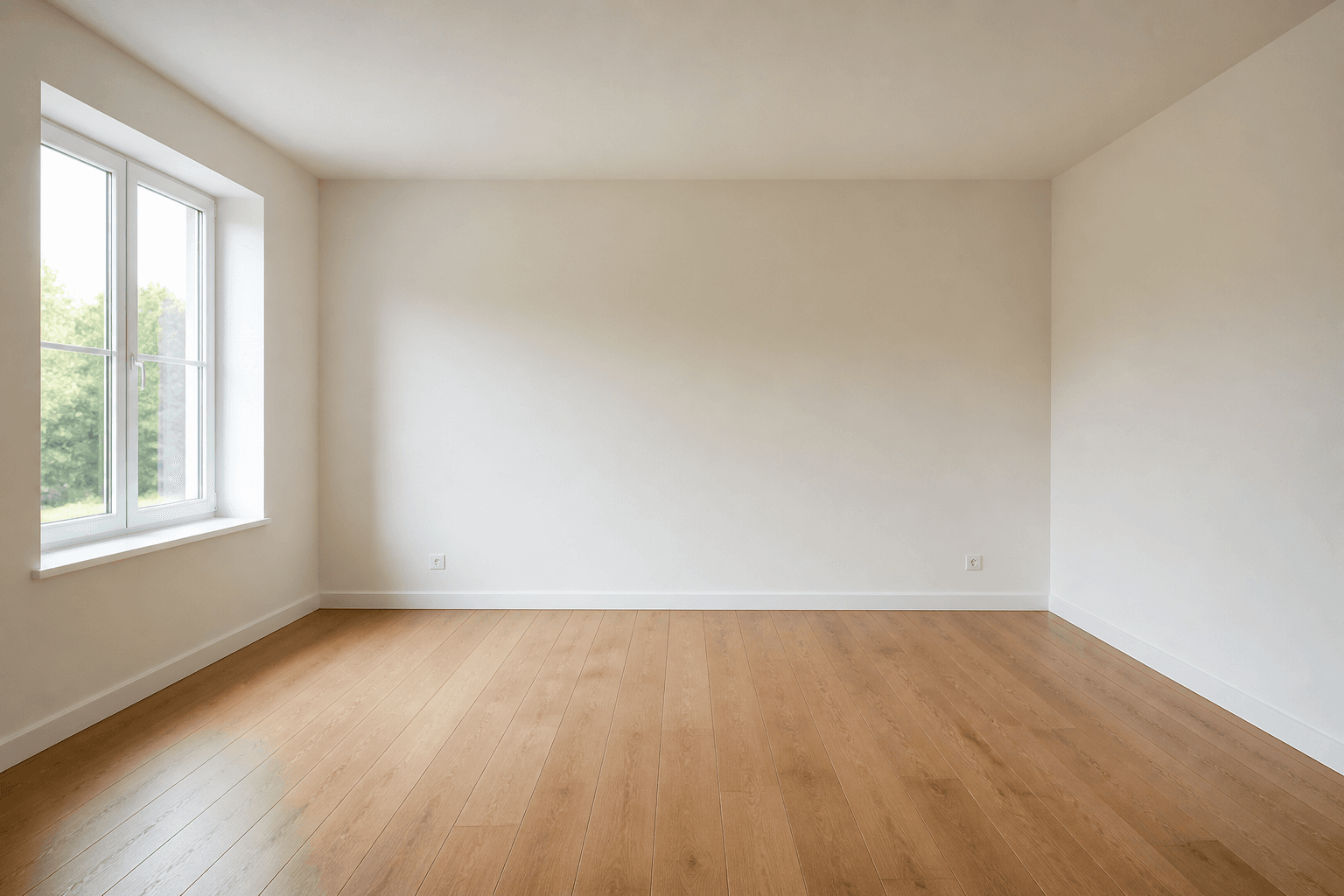 Before
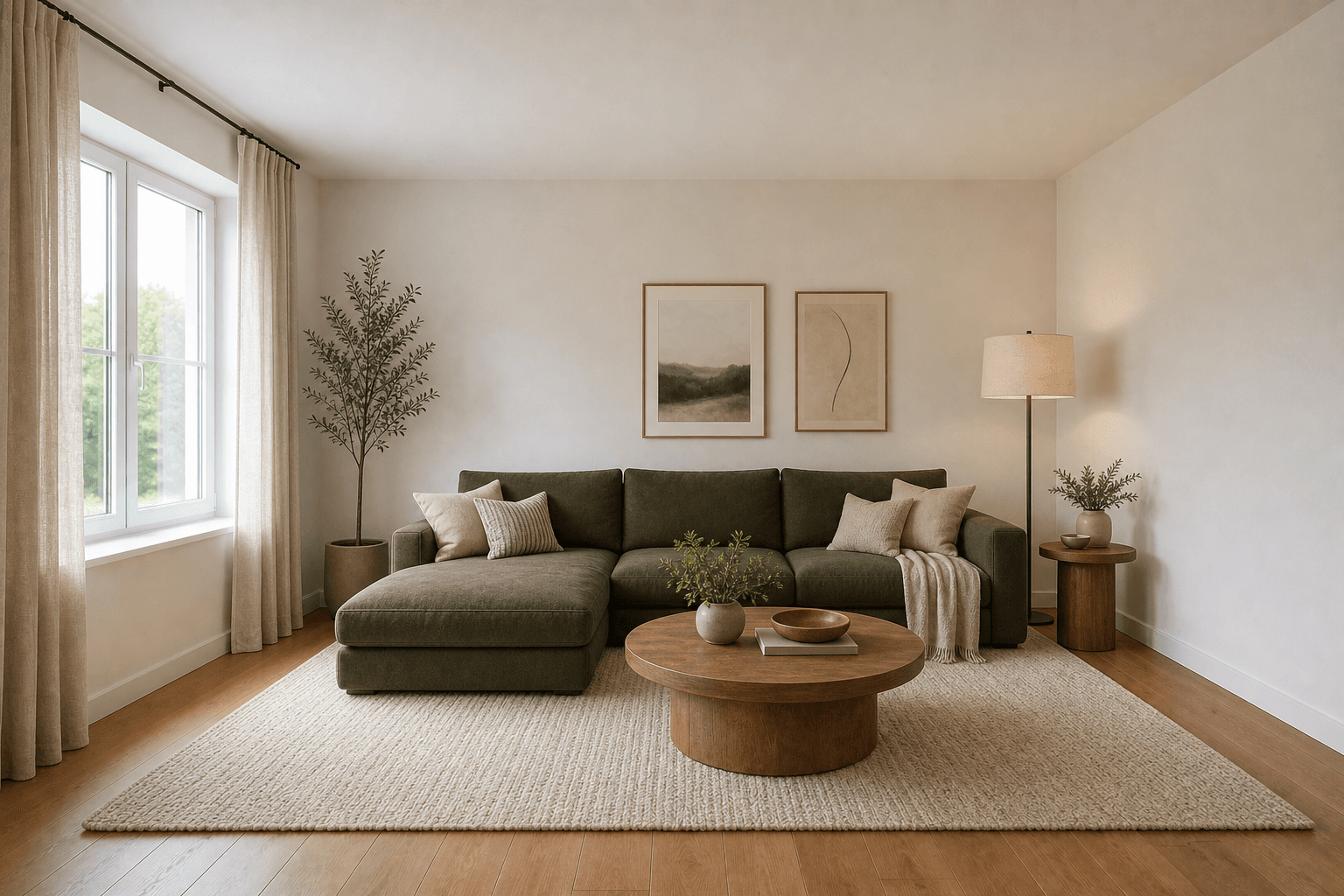 After
AfterMade for homeowners, renters and design enthusiasts
Make decisions with a clearer picture
A room photo gives a design conversation something concrete to react to. Use an AI room visualizer to explore an overall direction before buying pieces, briefing a designer, or starting work.
Place modern, Scandinavian, or warmer layered directions beside the same room photo to see which atmosphere feels closer to your goal.
Bring a visual starting point to a conversation with a partner, roommate, contractor, or interior designer instead of relying on abstract references.
Use a concept to assess whether lighter finishes, darker contrast, or a calmer palette suits the room before sourcing specific products.
Explore focused tools for different rooms and interior design decisions.
MIRALIQ