Make a compact bedroom feel calmer
Explore a restrained palette, lighter visual weight, and a clearer furniture hierarchy before making choices for a limited footprint.
A bedroom has to do more than look good. The AI bedroom design generator turns your photo into a quieter, more coherent direction that supports sleep, storage, privacy, and everyday routines.
Start with a photo of the space you actually want to redesign.
Compare directions from minimal and modern to Japandi and bohemian.
Use a visual concept to clarify your taste before buying or renovating.
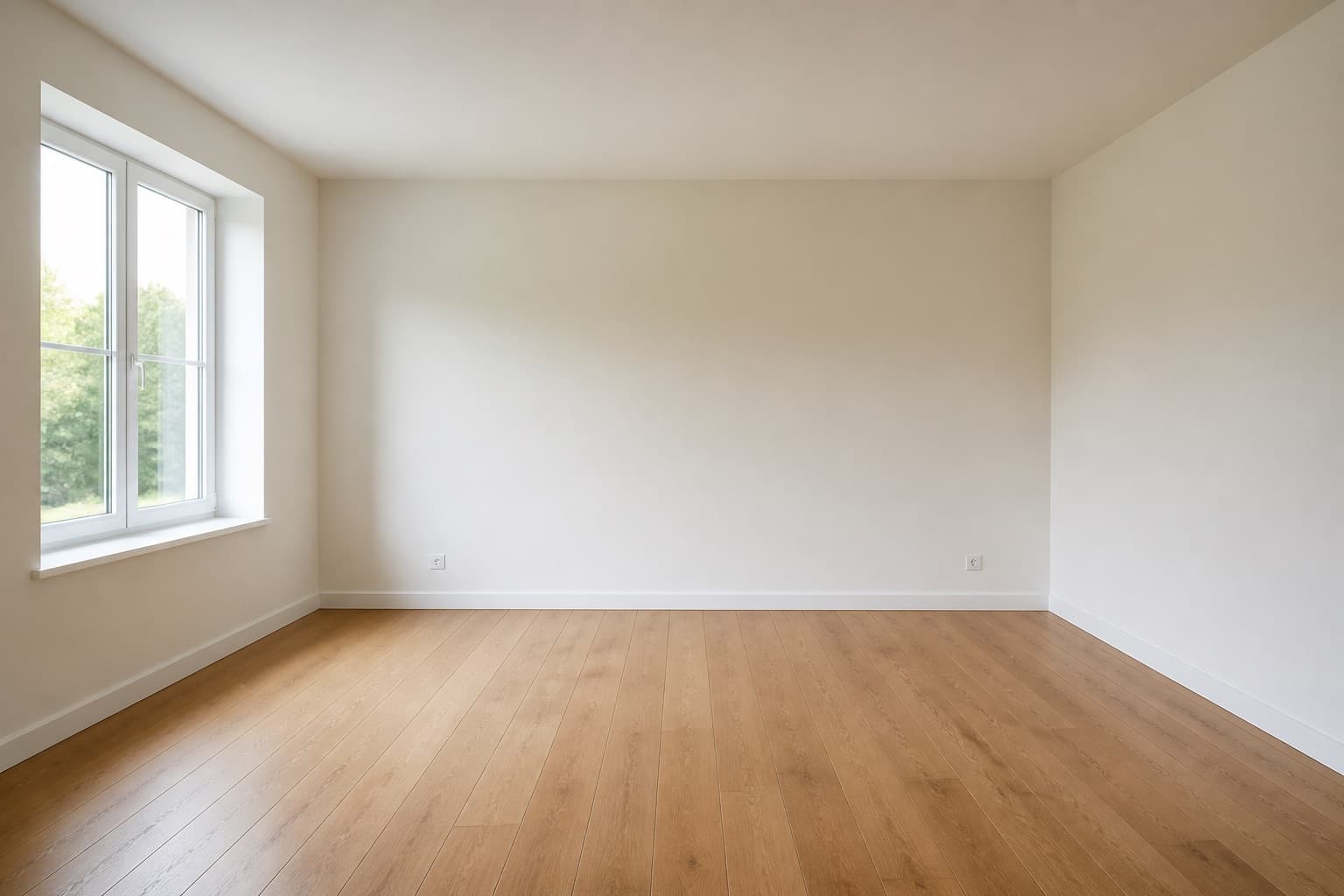 Before
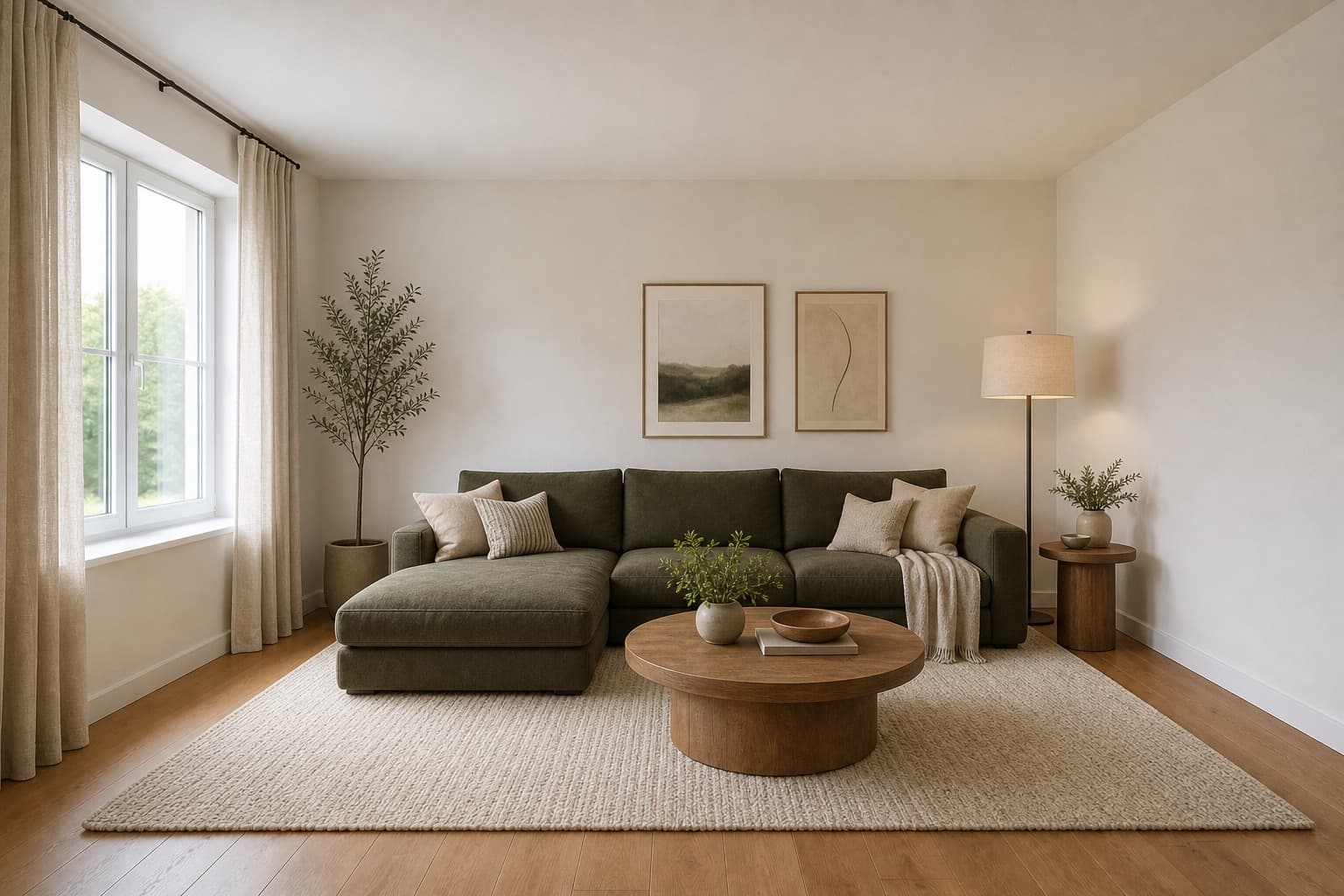 After
AfterMade for homeowners, renters and design enthusiasts
Bedroom · Generator
A bedroom has to do more than look good. It needs to support sleep, storage, privacy, and everyday routines. The AI bedroom design generator starts from your actual room and proposes a visual concept that does all four.
It is built for the moment when you know the bedroom should change, but you haven't decided how. Use the AI bedroom design generator to compare directions before buying a bed, painting a wall, or briefing a contractor.
Treat the result as a direction, not a furniture-fit plan. Measurements, door swings, and clearance still need to be verified before any order.
Before & After
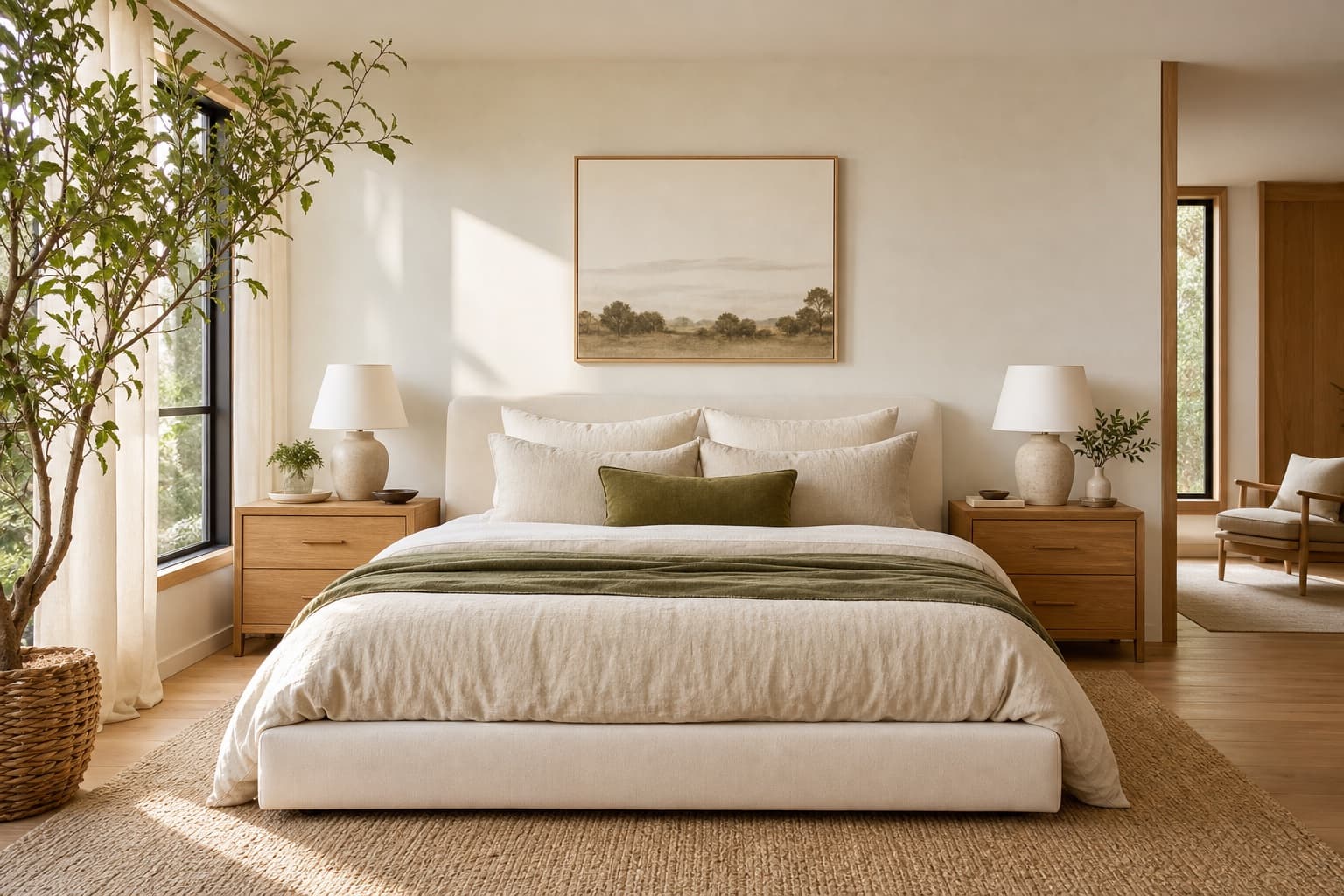 BeforeAfter
The AI bedroom design generator kept the bed position and reimagined everything around it.
Use Cases
Explore a restrained palette, lighter visual weight, and a clearer furniture hierarchy before making choices for a limited footprint.
Test directions that help a guest room feel welcoming while still leaving room for a desk, storage, or flexible everyday use.
Compare softer, more tactile, or more minimal directions to decide what kind of retreat you want the room to become.
Bedrooms accumulate stuff. The AI bedroom design generator proposes where storage should sit and what it should look like.
AI Design Process
Stand at the doorway and shoot straight in. Make the bed first — the AI bedroom design generator reads the bed as the room's anchor and composes the rest of the room around it.
Choose a bedroom type, then pick two or three distinct styles — for example, calm Japandi, warm hygge, and coastal. A generator's value is in producing variations to compare, not a single render.
In under a minute per render, the AI bedroom design generator produces high-resolution variations of your bedroom in each direction. Architecture and layout stay in place; surfaces, furniture, and lighting change.
Compare the variations side by side. Pick the one that best matches how you want the bedroom to feel — not the prettiest, the one that fits your actual sleep, storage, and routine needs.
Room Tips
The AI bedroom design generator composes around the bed. Position it clearly in the photo — not cropped, not hidden behind a door. A misread bed produces a misread bedroom.
A single render commits you to one direction before you have explored the room. Run the AI bedroom design generator two or three times with different styles so you have something to compare against.
Use the same bedroom photo for every variation. Changing the angle between generations makes the variations impossible to compare — you won't know if the difference is the style or the photo.
Bedrooms live and die by lighting. When you compare variations, look at how each one handles bedside lamps, overhead light, and natural light — not just the furniture and palette.
Open wardrobe doors break the AI bedroom design generator's geometry reading and produce distorted renders. Close them, make the bed, and remove clutter from surfaces before you photograph.
Supported Styles
Low bed, oat-and-oak palette, paper light. The direction the AI bedroom design generator runs most often for calm, considered bedrooms.
One material, one palette, nothing extra. Generate this when a bedroom feels visually overloaded and you want to see what essential looks like.
Whitewashed tones, linen textiles, soft blues. Generate this for bedrooms that feel heavy and would benefit from a lighter, more open mood.
Warm textiles, layered lighting, soft textures. Generate this when the bedroom should feel like a retreat rather than a place to sleep efficiently.
Light woods, soft neutrals, practical comfort. Generate this for small or north-facing bedrooms where you want maximum brightness from limited windows.
Upholstered headboards, soft curves, moody lighting. Generate this for primary bedrooms that should feel intimate rather than purely functional.
FAQ
Keep exploring
Upload a photo and let the AI bedroom design generator propose a new direction — free, no card required.
Upload & Try FreeMIRALIQ