Make a rented room feel more personal
Explore a mood and styling direction that works with the room as it is, then choose reversible changes that fit your lease and budget.
A makeover starts with the room you have and asks what could feel different. AI room makeover proposes a calmer mood, better visual balance, or a more intentional mix of pieces — without assuming a full renovation.
Start with a photo of the space you actually want to redesign.
Compare directions from minimal and modern to Japandi and bohemian.
Use a visual concept to clarify your taste before buying or renovating.
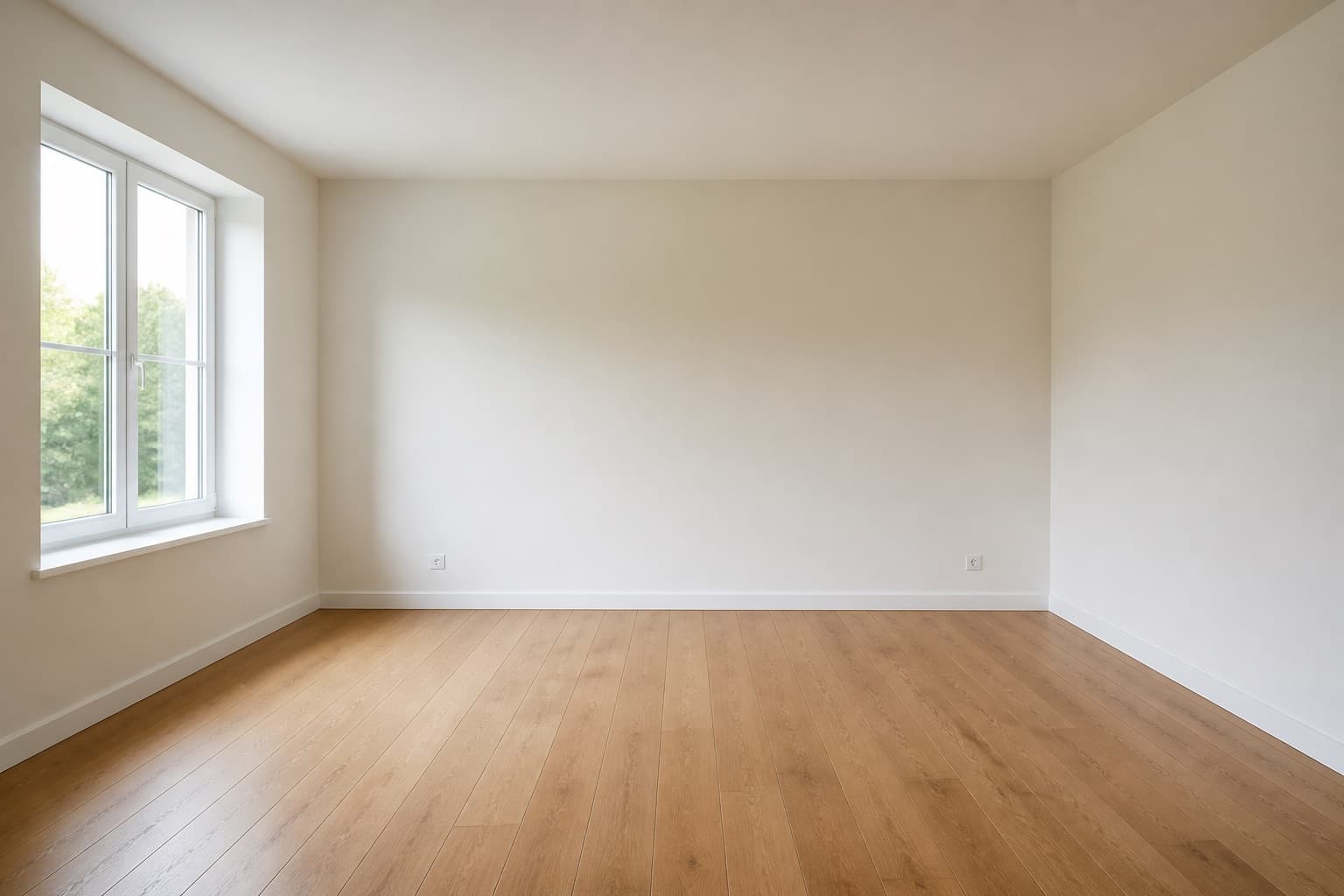 Before
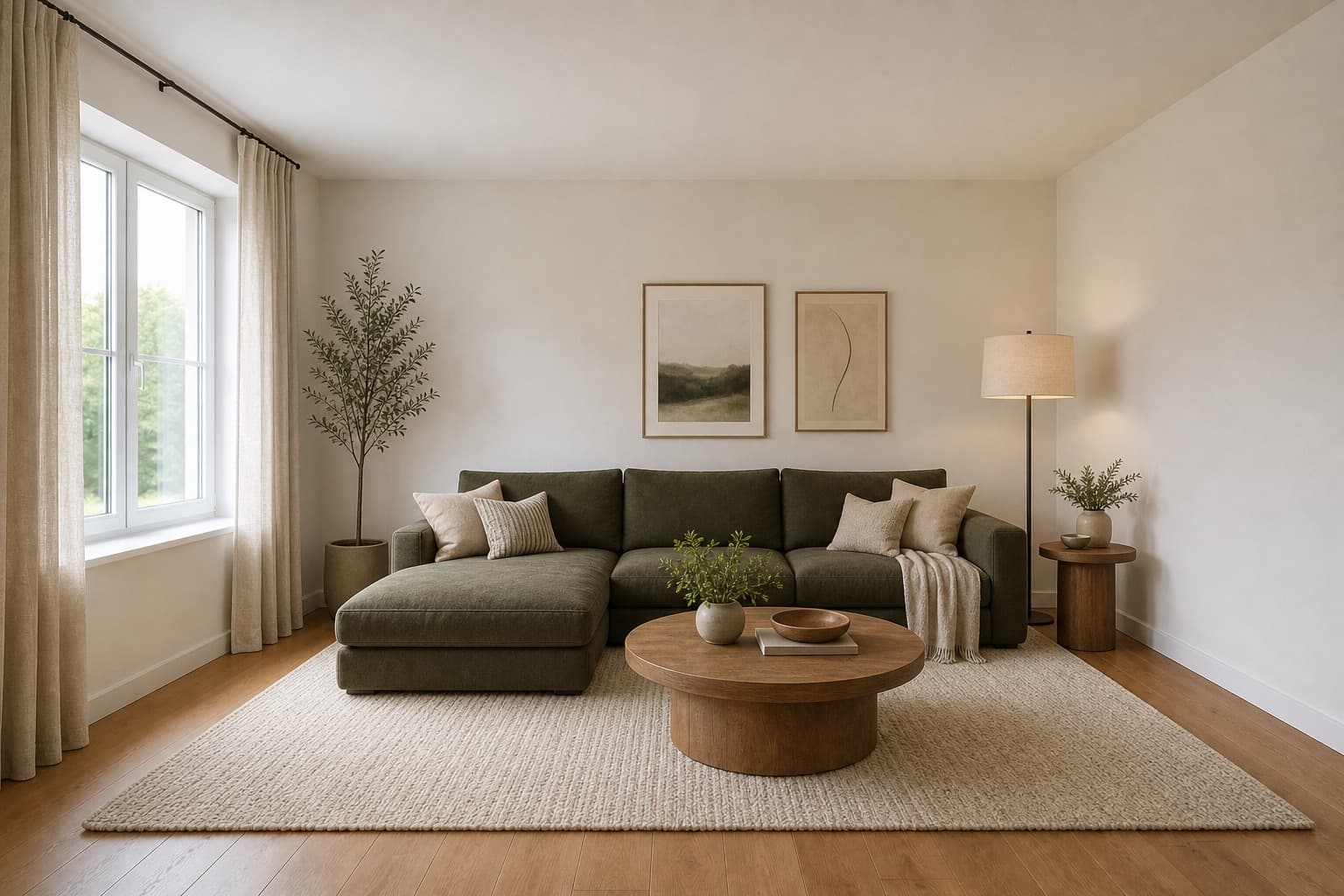 After
AfterMade for homeowners, renters and design enthusiasts
Makeover · AI
A makeover starts with the room you have and asks what could feel different: a calmer mood, better visual balance, or a more intentional mix of pieces. AI room makeover helps you focus a refresh before you decide what to keep, move, or replace.
Miraliq's AI room makeover is lighter than a full redesign. It works with your existing furniture and architecture, and proposes a styling, palette, or lighting direction that makes the room feel new without replacing everything in it.
It is most useful when the bones of the room are fine but the room itself feels tired. Use AI room makeover to see what a refresh would look like before you spend a single dollar.
Before & After
BeforeAfterAI room makeover kept the furniture and reimagined the styling, palette, and lighting.
Use Cases
Explore a mood and styling direction that works with the room as it is, then choose reversible changes that fit your lease and budget.
Use a concept to see how fewer competing colors, clearer zones, or more deliberate storage could change the feel of a busy space.
Try a lighter, warmer, or more textured direction before swapping textiles, lamps, art, and smaller furniture pieces.
Sometimes AI room makeover reveals the room is fine as it is. That's a useful outcome — it saves you from a renovation you didn't need.
AI Design Process
Don't tidy beyond recognition and don't move furniture out. AI room makeover works with your existing pieces as the base — it needs to see what's actually there to refresh around it.
Choose a style that leans on textiles, lighting, and decor rather than new furniture — modern farmhouse, bohemian, coastal. A makeover is for what you can change without a renovation.
In under a minute, you'll receive a high-resolution render. Architecture and major furniture stay in place; styling, palette, textiles, and lighting change around them.
Use the before/after slider to identify which changes give you the most impact for the least effort and cost. A makeover should be reversible — prioritize what you can actually do this season.
Room Tips
AI room makeover refreshes around your existing pieces. If you clear the room before shooting, the render shows a redesign, not a makeover. Leave the sofa, the bed, the dining table where they are.
The highest-impact makeover changes are usually rugs, curtains, cushions, and lamps — not furniture. When you compare directions, look at how each one handles those soft layers.
A makeover should not require a contractor. If a direction depends on built-ins, structural changes, or permanent finishes, save it for a redesign — pick something you can reverse with a trip back to the store.
Run AI room makeover twice — once for a lighter, brighter direction for spring and summer, once for a warmer, layered direction for fall and winter. Seasonal refreshes are the easiest makeovers to actually implement.
When the render comes back, list what stayed the same and what changed. If the 'changes' are all things you'd have to buy new, it's a redesign in disguise. A true makeover leans on rearranging and restyling what you own.
Supported Styles
Shaker textiles, warm woods, black accents. A makeover favorite because it leans on cushions, throws, and lighting you can swap in a weekend.
Layered rugs, mixed textiles, warm color. The highest-impact makeover direction because almost all of it is soft layers, not furniture.
Whitewashed tones, linen, soft blues. A seasonal makeover direction that lightens a room without replacing any furniture.
Light woods, soft neutrals, practical comfort. A safe makeover baseline — swap dark textiles for light ones and the room already reads differently.
Mixed eras, layered patterns, personal objects. A makeover direction that works because it leans on what you already own and how you arrange it.
Low furniture, oat-and-oak palette, paper light. A calm makeover direction that works mostly by subtracting clutter and softening lighting.
FAQ
Keep exploring
Upload a photo and let AI room makeover propose a fresh direction — free, no card required.
Upload & Try FreeMIRALIQ